CRM Automation for Marketing Agencies: The Complete Guide to Scaling Smarter in 2026
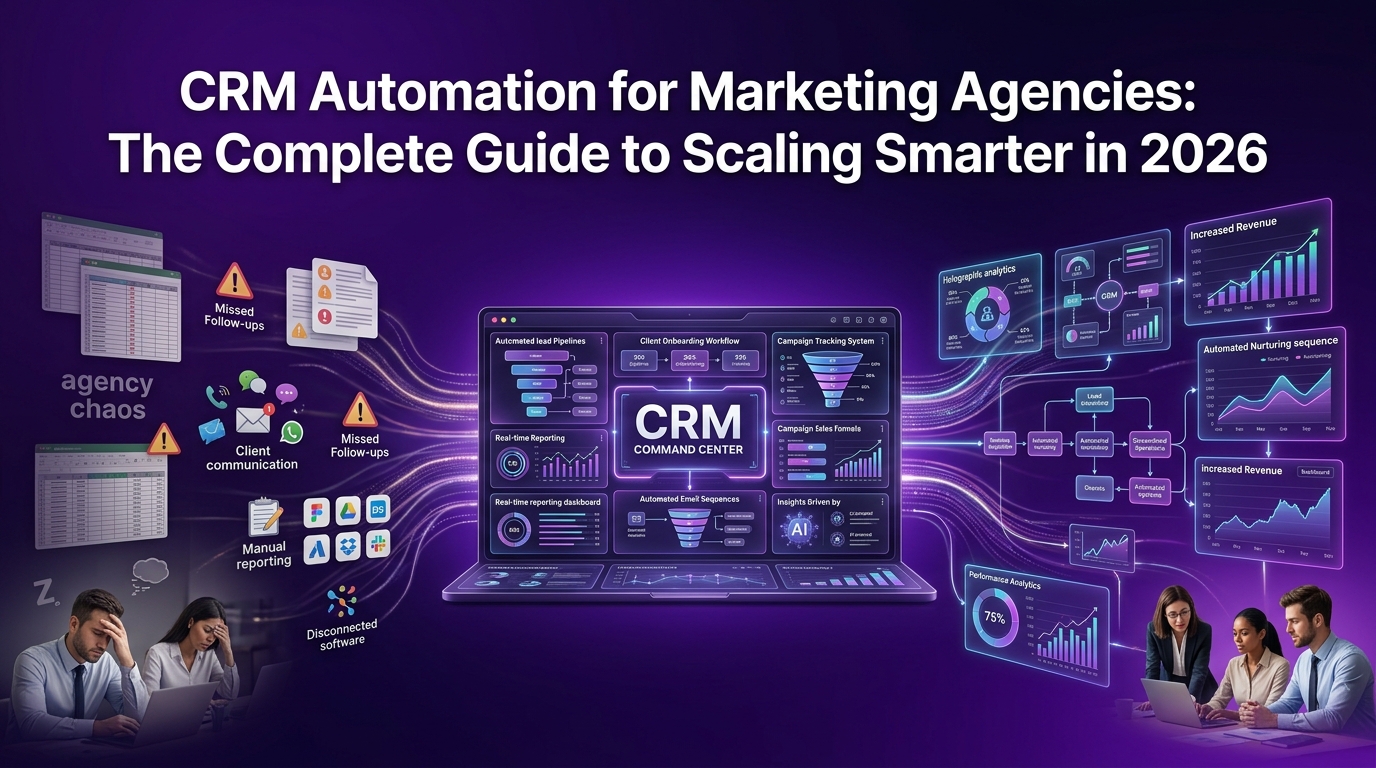
Running a marketing agency is rewarding, until it isn't. You're juggling client calls, chasing leads that go cold, manually updating spreadsheets, and somehow expected to grow the agency at the same time. Sound familiar? The problem isn't your team's talent. The problem is your system or more accurately, the lack of one.
CRM automation for marketing agencies is the infrastructure shift that separates agencies stuck at six figures from those confidently scaling past seven. It's not about replacing your people. It's about eliminating the repetitive, low-value tasks that drain your team's energy and letting them focus on what actually grows client relationships and closes deals.
This guide breaks everything down, what CRM automation really means for agencies, which features matter most, which tools are worth your budget, and how to implement it without losing six months in the process.
What Is CRM Automation for Marketing Agencies (And Why Most Agencies Get It Wrong)
Most agency owners hear "CRM" and think contact database. They picture a glorified spreadsheet where leads sit until someone remembers to follow up. That's not CRM and it's definitely not CRM automation.
A modern CRM automation system is a dynamic, connected workflow engine that manages your client relationships, sales pipeline, onboarding sequences, and reporting, without requiring your team to manually trigger every step.
How CRM Automation Actually Works Inside a Marketing Agency
At its core, CRM automation works by connecting triggers to actions. A trigger is any event, a new lead fills out your contact form, a prospect opens your proposal email, a client's contract renewal date is 30 days away. The CRM detects that trigger and automatically fires a pre-built action: sending a follow-up email, assigning a task to your account manager, moving a deal to the next pipeline stage, or flagging a client as at-risk.
For a marketing agency, this means your sales process keeps running even when your team is deep in client delivery work. Leads get nurtured. Deals get followed up on. Clients get checked in with, all without anyone manually remembering to do it.
The Difference Between a Basic CRM and a CRM Built for Agency Workflows
A generic CRM is built for product sales teams with linear funnels. A prospect comes in, a rep calls them, a deal closes. Clean and simple.
Marketing agency workflows are far messier. You're managing long sales cycles with multiple decision-makers, delivering ongoing retainer services, handling project scopes that change mid-flight, and reporting campaign results across platforms your CRM doesn't natively connect to.
The right CRM automation platform for an agency needs to handle:
Multi-stage pipeline management across both new business and existing client relationships
Client lifecycle tracking from first inquiry through offboarding
Campaign performance integration with ad platforms, SEO tools, and analytics dashboards
Retainer renewal automation so accounts don't quietly churn
Team collaboration features so account managers and strategists work from the same data
Key Automation Triggers Every Marketing Agency Should Know About
Not all triggers are created equal. For agencies, the most valuable automation triggers include:
Form submissions: new lead enters the pipeline automatically
Email engagement: prospect opens, clicks, or ignores an email, triggering the next step
Deal stage changes: a deal moves forward, prompting a task for the next team member
Time-based triggers: X days since last contact, contract renewal approaching, onboarding milestone due
Behavioral triggers: a client visits your pricing page again, a prospect downloads your case study
These triggers feed into workflows that keep your agency's revenue engine running around the clock.
Why Marketing Agencies in Canada and Beyond Are Switching to Automated CRM Systems
The agency landscape has changed. Clients expect faster responses, more transparent reporting, and proactive communication. Meanwhile, agency teams are stretched thin delivering results across more channels than ever, SEO, paid media, content, social, email.
Without automation, something always falls through the cracks. A hot lead doesn't get followed up with fast enough. A client doesn't hear from you for three weeks and starts wondering if you've forgotten about them. A renewal conversation happens too late and the client has already been courted by a competitor.
The Real Cost of Manual Client Management
Let's put some numbers behind this. If your account manager spends 45 minutes a day on manual CRM updates, follow-up emails, and status reporting, that's nearly four hours a week. Across a team of five, that's 20 hours weekly spent on admin instead of strategy and delivery.
Over a year, that's over 1,000 hours your agency is paying for that generate zero billable output. That's not a productivity problem. That's a systems problem.
How CRM Automation Fixes the Agency Growth Bottleneck
CRM automation reclaims those hours and redirects them toward work that actually grows the agency. When your pipeline updates itself, your follow-up sequences run on schedule, your onboarding checklists trigger automatically, and your reports pull together without anyone building them from scratch, your team operates at a completely different level of efficiency.
Agencies that implement CRM automation properly typically report:
Shorter sales cycles because no lead sits untouched waiting for a follow-up
Higher client retention because proactive check-ins happen consistently
Better forecasting because pipeline data is always current and accurate
Reduced onboarding friction because new clients experience a smooth, professional process from day one
Core CRM Automation Features That Actually Move the Needle for Marketing Agencies
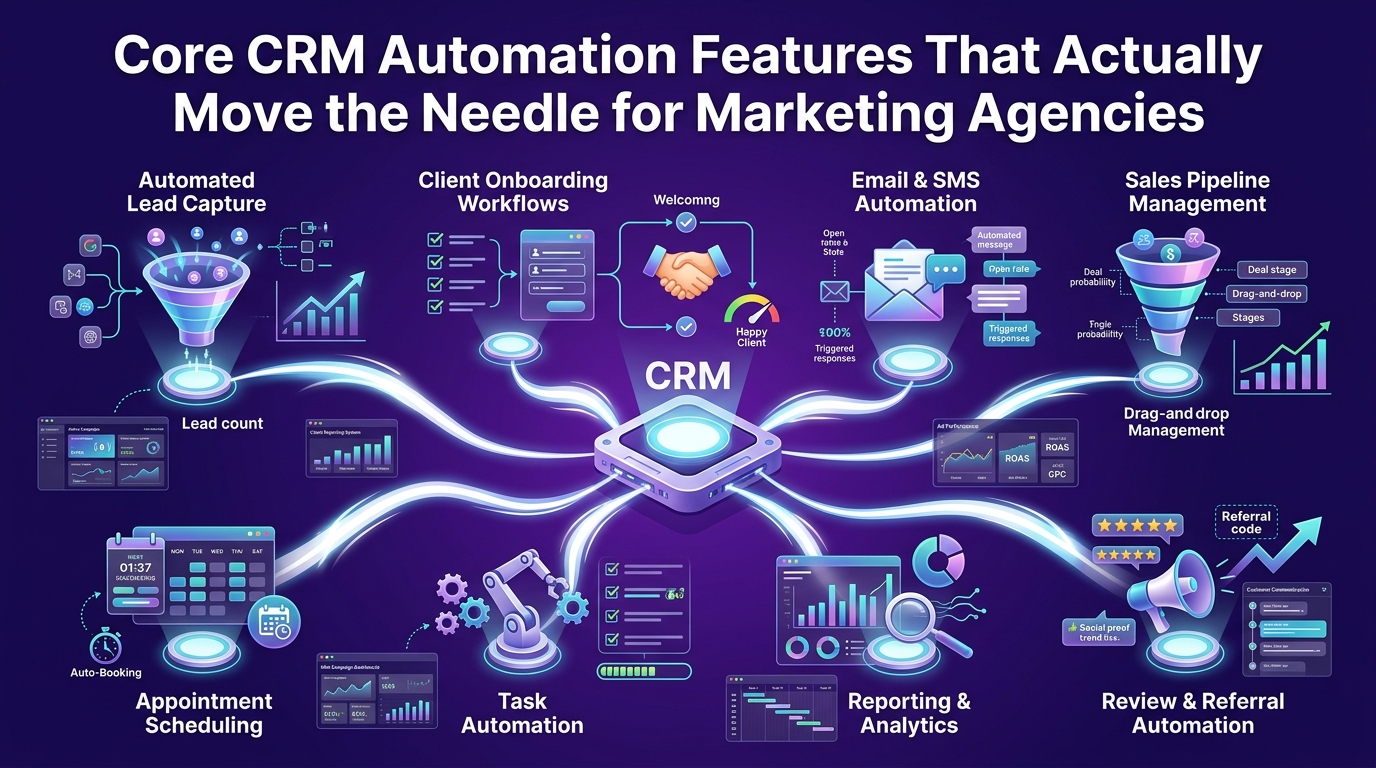
Not every CRM feature is worth your time. Agencies need a focused set of capabilities that align with how agencies actually operate, not how a SaaS company's product team imagines they do.
Here are the automation features that genuinely matter.
Lead Capture & Scoring Automation — Stop Chasing the Wrong Prospects
Every agency has experienced this: you spend hours on a discovery call with a prospect who was never going to buy. CRM automation with lead scoring puts an end to that wasted effort.
Lead scoring assigns point values to prospect behaviors and attributes, industry, company size, pages visited, emails opened, forms filled, calls booked. Your CRM totals those points and surfaces the leads most likely to convert, so your business development team focuses their energy where it counts.
How Automated Lead Scoring Works for Agency Sales Pipelines
When a new lead comes in, your CRM captures their data from the form submission and any connected data enrichment tools. It then cross-references that data against your scoring rules.
For example: a prospect from a mid-size e-commerce brand in Canada who visited your case studies page, downloaded your agency pricing guide, and opened your intro email twice might score 85 out of 100. A prospect who filled out a contact form with no other engagement might score 30. Your sales workflow treats them very differently and it does so automatically.
Setting Up Lead Qualification Rules That Match Your Agency's Client Profile
Your lead qualification rules should reflect your agency's ideal client profile. Start by identifying the attributes and behaviors that your best current clients shared before they signed. Build your scoring model around those signals. Revisit and refine the model every quarter as you collect more conversion data.
Common qualification criteria for marketing agencies include:
Industry fit: does the prospect operate in a vertical your agency serves well?
Budget signals: did they engage with pricing content or mention budget on the form?
Service need alignment: is what they're asking for within your core service offering?
Decision-maker access: are you talking to someone who can actually sign?
Timeline clarity: do they have a defined start date or are they "just looking"?
Client Onboarding Automation — From Signed Contract to First Deliverable Without the Chaos
Onboarding is where client relationships are won or lost. A smooth, professional onboarding experience tells your new client they made the right choice. A disorganized one plants seeds of doubt that are hard to uproot.
Manual onboarding processes are inconsistent by nature. Different account managers do it differently. Steps get skipped. Clients wait too long for access, kickoff calls, or account setup confirmations. CRM automation makes your onboarding process consistent, fast, and professional, every single time.
Step-by-Step: How to Automate the Client Onboarding Process in Your CRM
When a deal is marked "Closed Won" in your CRM, the following can all trigger automatically:
Welcome email sequence fires to the client with next steps and what to expect
Internal task list is created and assigned to the relevant account manager and strategist
Kickoff call scheduling link is sent to the client
Intake questionnaire is delivered via automated email
Project management tool creates the client workspace (via integration)
Contract and payment confirmation is logged in the client record
None of that requires a human to manually initiate. Your team gets notified, your client feels taken care of, and your agency looks sharp from day one.
Onboarding Workflow Templates Built for Marketing Agency Retainers
For retainer-based agencies, onboarding workflows should include milestone checkpoints — not just a one-time sequence. Build your template around a 30-60-90 day onboarding framework:
Days 1–7: Account setup, access collection, kickoff call, strategy brief
Days 8–30: First campaign or deliverable cycle, initial reporting baseline set
Days 31–60: Performance review, feedback loop established, workflow refinement
Days 61–90: Full retainer rhythm confirmed, renewal conversation introduced early
Your CRM automation triggers check-ins and internal tasks at each of these milestones without anyone needing to track them manually.
Sales Pipeline Automation — Keep Every Deal Moving Without Micromanaging Your Team
A stalled pipeline is a revenue leak. Deals sit in stages they've outgrown because no one has time to manually review every open opportunity every day. Sales pipeline automation solves this by keeping deals moving and surfacing the ones that need attention.
How to Build a Visual Automated Sales Pipeline for Your Agency
Your agency pipeline stages should reflect your actual sales process, not a generic template. A typical marketing agency pipeline looks something like this:
New Inquiry → lead captured, scoring begins
Qualified → discovery call booked or completed
Proposal Sent → automated follow-up sequence triggers
Negotiation → contract terms being discussed
Closed Won / Closed Lost → onboarding triggers or loss reason logged
Each stage transition can trigger automated actions, emails, tasks, notifications, and data updates, so the pipeline stays clean and your team always knows what needs to happen next.
CRM Workflow Automation Examples That Work for SEO, PPC & Creative Agencies
Different agency types have slightly different workflow needs. Here are real-world examples:
SEO Agency: Proposal sent → auto follow-up email on day 3 → if no response, task assigned to account exec to call → if still no response on day 7, deal flagged for review
PPC Agency: New lead from Google Ads form → lead score calculated → if score above 70, calendar booking link sent immediately → discovery call notes template auto-populated in CRM
Creative Agency: Project brief received → scope assessment task created → estimate sent via CRM → follow-up sequence begins → when approved, onboarding workflow fires
Automated Reporting & Campaign Tracking Dashboards
One of the most time-consuming tasks in any marketing agency is building weekly and monthly reports. CRM automation, integrated with your ad platforms and analytics tools, can pull this data together automatically.
How to Track Marketing Campaign Performance Directly Inside Your CRM
By integrating your CRM with Google Analytics, Google Ads, Meta Ads Manager, and your SEO platform, you can tie campaign performance data directly to client records. This means you can see, at a glance which campaigns are driving the leads that are actually converting to revenue.
This connection between marketing activity and business outcomes is what clients pay for and what agencies often struggle to communicate clearly. An integrated CRM makes it visible and automatic.
The Reporting Metrics Every Agency Owner Should Automate First
Start with the metrics that matter most to both your team and your clients:
Lead source attribution: where are your best clients coming from?
Sales cycle length: how long does it take from inquiry to close?
Client retention rate: are clients renewing and for how long?
Campaign ROI by channel: which services are delivering the highest return?
Pipeline velocity: how fast is revenue moving through your funnel?
Build these into your CRM dashboards and set them to refresh automatically. Your Monday morning review becomes a two-minute scan instead of a two-hour build.
Best CRM Automation Tools for Marketing Agencies — Honest Breakdown
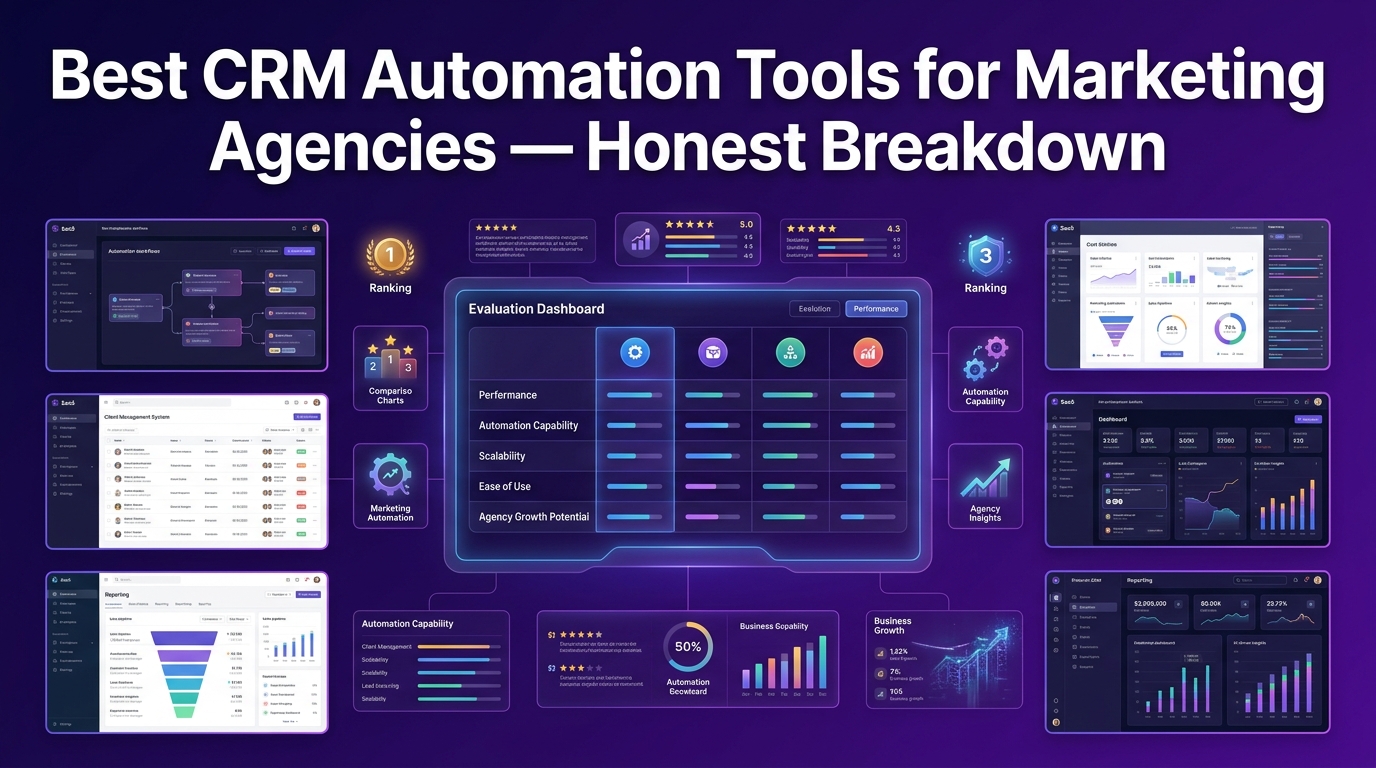
There's no shortage of CRM platforms making big promises. The reality is that most general-purpose CRMs need significant configuration before they're genuinely useful for an agency. Below is an honest comparison of the top options, evaluated specifically through the lens of marketing agency operations.
How We Evaluated These CRM Automation Platforms for Agency Use
Every platform below was assessed against criteria that reflect real agency needs, not just feature checklists from vendor websites.
Our Scoring Methodology: What Matters Most for Agency Workflows
We weighted platforms across five categories:
Automation depth: how sophisticated and flexible are the workflow builders?
Agency-specific fit: does the platform support multi-client management, retainer tracking, and campaign reporting?
Ease of setup: how quickly can an agency be operational without a dedicated IT team?
Integration capability: does it connect cleanly with the tools agencies actually use?
Pricing transparency: is the cost model realistic for agencies at different growth stages?
Top CRM Automation Tools Compared for Marketing Agencies
Here's a clear breakdown of the leading platforms:
HubSpot — Best for Full-Funnel Marketing Agency Automation
HubSpot remains one of the most complete CRM automation platforms available for marketing agencies. Its strength lies in the seamless connection between marketing automation, sales pipeline management, and client communication, all within a single platform.
Best for: Mid-size to large agencies running inbound marketing, content, or demand generation services
Standout features: Visual workflow builder, email sequence automation, deal pipeline customization, campaign tracking, native ad platform integrations
Pricing: Free tier available; paid plans from approximately $20/month (Starter) to $1,300+/month (Enterprise)
Trade-off: Costs scale quickly as you add contacts and features. Smaller agencies can find themselves paying for capabilities they don't yet need.
Salesforce — Best for Enterprise-Level Agency Operations
Salesforce is the most powerful CRM on the market and the most complex. For large agencies managing hundreds of clients across multiple service lines, its customization depth is unmatched.
Best for: Large agencies with dedicated operations staff or RevOps teams
Standout features: Advanced automation rules, custom object creation, deep API integrations, enterprise-grade reporting, Salesforce Marketing Cloud for campaign management
Pricing: From approximately $25/user/month (Starter Suite) to $330+/user/month for enterprise tiers
Trade-off: Implementation requires significant time and often external consulting support. Not practical for lean agency teams.
Zoho CRM — Best Value CRM Automation for Small Marketing Agencies
Zoho CRM punches well above its price point. For small and growing marketing agencies in Canada, it offers a solid suite of automation tools, lead scoring, workflow triggers, email campaigns, and pipeline management at a fraction of the cost of HubSpot or Salesforce.
Best for: Small agencies (1–20 people) who need genuine automation without enterprise pricing
Standout features: Blueprint workflow builder, AI-powered lead scoring, multichannel communication, custom pipeline stages, Zoho Campaigns integration
Pricing: From approximately $20/user/month (Standard) to $65/user/month (Ultimate)
Trade-off: The interface can feel dated compared to newer platforms, and some integrations require Zoho's broader ecosystem to work smoothly.
Pipedrive — Best for Sales-Focused Agency Pipeline Management
Pipedrive was built with sales pipelines as its core focus, and it shows. For agencies where business development is the priority, lead generation companies, performance marketing agencies, or any agency with an active outbound function, Pipedrive's visual pipeline management and automation tools are excellent.
Best for: Agencies with strong BD functions, outbound sales teams, or lead generation services
Standout features: Visual drag-and-drop pipeline, activity-based selling automation, email tracking, AI sales assistant, workflow automation builder
Pricing: From approximately $24/user/month (Essential) to $99+/user/month (Enterprise)
Trade-off: Less robust on the marketing automation side. Works best paired with a dedicated email marketing or campaign management tool.
ActiveCampaign — Best CRM Automation for Email-Driven Agency Workflows
ActiveCampaign bridges the gap between CRM and marketing automation more naturally than almost any other platform. For agencies that run email marketing, drip campaigns, or lead nurturing as core services or for their own business development, it's a genuinely powerful choice.
Best for: Email marketing agencies, content agencies, and any agency with heavy lead nurturing workflows
Standout features: Advanced email automation, conditional branching workflows, lead scoring, CRM pipeline, SMS automation, deep segmentation
Pricing: From approximately $49/month (Plus) to $149+/month (Enterprise) based on contact volume
Trade-off: The CRM component is less robust than dedicated CRM platforms. Works better as a complementary tool or for agencies where email automation is the primary use case.
Which CRM Automation Tool Is Right for Your Agency Size?
Choosing the right platform comes down to where your agency is today, not where you hope to be in five years.
Small Marketing Agency (1–10 People): What to Prioritize
At this stage, simplicity and speed of implementation matter more than depth of features. You need a CRM that gets your pipeline organized, automates basic follow-up sequences, and integrates with your email tool, without requiring a full-time admin to maintain it.
Best fit: Zoho CRM or ActiveCampaign
Priority features: Lead capture automation, email sequences, simple pipeline management, contact segmentation
Mid-Size Agency (10–50 People): Where Automation Pays Off Most
At this stage, you're managing multiple client accounts, a growing sales pipeline, and a team that needs to collaborate inside the CRM. Automation depth becomes critical, you need workflows that cover the full client lifecycle, not just the sales phase.
Best fit: HubSpot or Pipedrive (paired with an email automation tool)
Priority features: Multi-stage pipeline automation, client onboarding workflows, team task assignment, reporting dashboards, ad platform integrations
Scaling Agency (50+ People): When to Consider Enterprise CRM Automation
At scale, you need a platform that can handle complex, multi-client data structures, advanced reporting, custom integrations, and role-based access across departments. The investment in a more powerful platform and its proper implementation, pays for itself quickly at this stage.
Best fit: Salesforce or HubSpot Enterprise
Priority features: Custom objects, revenue operations reporting, advanced automation rules, API integrations, multi-team pipeline management
How to Set Up CRM Automation for Your Marketing Agency (Without Wasting Months on Implementation)
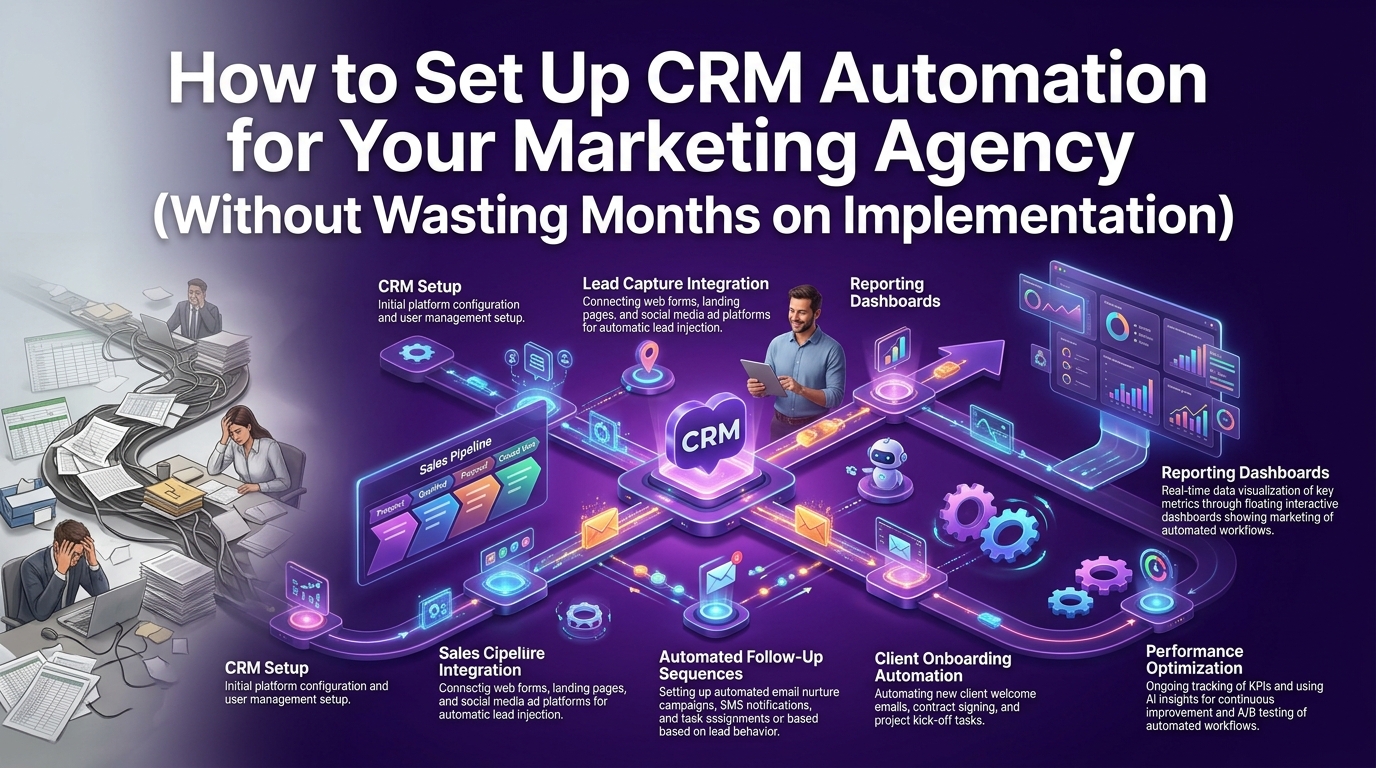
Most agencies that struggle with CRM implementation make the same mistake: they try to build everything at once. They spend weeks mapping out every possible workflow, integrating every tool, and configuring every field and then the team doesn't adopt it because it's too complex.
The smarter approach is to start lean, prove the value fast, and build out from there.
Step-by-Step CRM Automation Setup Guide for Marketing Agencies
Step 1 — Map Your Current Agency Workflow Before Touching Any Tool
Before you open a single CRM dashboard, map out how your agency actually operates today. Document:
How leads currently come in and who handles them first
What happens between first contact and a signed contract
How new clients are currently onboarded
What regular client communication looks like
Where deals most commonly stall or fall apart
This workflow map becomes the blueprint for your CRM automation setup. You're not building what you wish your process was, you're automating what actually works today, then improving from there.
Step 2 — Choose and Configure Your CRM Automation Platform
Using the comparison above as your guide, select the platform that best matches your agency's size, budget, and primary use case. Once selected:
Set up your custom pipeline stages to match your actual sales process
Configure your lead capture forms and connect them to your website
Set up your team's user accounts and define permission levels
Connect your email platform and calendar tool
Keep the initial configuration lean. Get the core pipeline working before building complex automations.
Step 3 — Build Your First Automated Lead Nurturing Workflow
Your first automation should address the highest-impact gap in your current process. For most agencies, that's lead follow-up. Build a simple sequence:
Day 0: Lead comes in → welcome email sent automatically
Day 2: If no reply → follow-up email with a relevant case study
Day 5: If no reply → task assigned to business development rep to make a personal call
Day 8: If still no engagement → lead tagged for a longer-term nurture sequence
This single workflow alone will recover leads that currently go cold and disappear.
Step 4 — Integrate Your Ad Platforms, Email Tools & Project Management Software
Your CRM only becomes a true command center when it's connected to the rest of your agency's tool stack. Priority integrations include:
Google Ads & Meta Ads: track which campaigns are generating your best leads
Email marketing platform: sync contacts and trigger campaigns from CRM data
Project management tool: auto-create projects when deals close
Accounting software: connect invoicing to client records for a complete financial picture
Communication tools: log calls, emails, and Slack messages against client records
How to Connect Google Ads, Meta Ads & SEO Tools to Your CRM
Most major CRM platforms offer native integrations with Google Ads and Meta through their integration marketplaces. For SEO tools like SEMrush or Ahrefs, you'll typically use a middleware platform like Zapier or Make to pass data between systems.
The goal is to have your CRM show you, for any given client or prospect, the full picture: what campaigns they've been exposed to, what content they've engaged with, what their current account status is, and what the next action should be.
Common CRM Automation Mistakes Marketing Agencies Make
Even well-intentioned CRM implementations go sideways. Here are the pitfalls to avoid from the start.
Over-Automating Before Your Sales Process Is Proven
If your sales process isn't working manually, automating it won't fix it, it will just make the failure happen faster and at scale. Before building complex automation sequences, validate that each stage of your pipeline is producing the outcomes you want. Then automate what's working.
Ignoring Data Hygiene — Why Dirty CRM Data Kills Automation Results
Automation is only as good as the data feeding it. If your CRM is full of duplicate contacts, outdated company information, and deals with no clear owner, your automations will fire incorrectly, your reporting will be meaningless, and your team will stop trusting the system.
Build data hygiene practices into your CRM setup from day one:
Mandatory fields on key records so nothing gets saved without essential information
Duplicate detection rules to prevent the same lead appearing multiple times
Regular data audits, monthly or quarterly reviews to clean up stale records
Clear ownership rules, every deal and every client has one named owner in the CRM
Frequently Asked Questions About CRM Automation for Marketing Agencies
What Is the Best CRM Automation Software for a Small Marketing Agency?
For small marketing agencies, particularly those in Canada and other competitive markets, Zoho CRM and ActiveCampaign consistently offer the best combination of automation capability and value for money. Both platforms allow you to automate lead capture, follow-up sequences, and pipeline management without the steep learning curve or pricing of enterprise tools.
HubSpot's free tier is also worth considering as a starting point, though costs scale quickly as your contact list and feature needs grow.
How Much Does CRM Automation Software Cost for Agencies?
CRM automation pricing varies significantly by platform and team size. As a general guide for marketing agencies:
Entry-level: $20–$50/user/month (Zoho CRM, Pipedrive Starter)
Mid-range: $50–$150/user/month (HubSpot Sales Hub, ActiveCampaign)
Enterprise: $150–$330+/user/month (Salesforce, HubSpot Enterprise)
Most platforms offer annual billing discounts of 15–20%. For Canadian agencies, factor in currency conversion when comparing USD-listed pricing.
Can CRM Automation Really Improve Lead Generation for Agencies?
Yes, but with an important distinction. CRM automation doesn't generate leads on its own. What it does is ensure that every lead your agency generates is captured, scored, followed up with promptly, and nurtured through a consistent sequence, dramatically improving the percentage of leads that actually convert.
Agencies that implement proper lead scoring and follow-up automation typically see meaningful improvements in lead-to-client conversion rates within the first 90 days of adoption.
What CRM Automation Workflows Should a Marketing Agency Set Up First?
Start with the three workflows that deliver the fastest impact:
Lead capture and initial follow-up: every new inquiry gets an immediate, personalized response and a structured follow-up sequence
Proposal follow-up automation: when a proposal is sent, a timed sequence ensures no deal goes silent
Client onboarding workflow: when a deal closes, the onboarding process kicks off automatically with no manual intervention required
Once these three are running smoothly, expand into client retention workflows, renewal reminders, and campaign reporting automation.
The Bottom Line
CRM automation for marketing agencies isn't a future trend, it's the operational standard that separates agencies that scale from those that plateau.
The agencies winning in 2026 aren't necessarily the ones with the biggest teams or the most clients. They're the ones with the tightest systems, where no lead goes cold, no client feels ignored, and no deal stalls because someone forgot to follow up.
Whether you're a three-person boutique agency in Toronto or a growing digital marketing firm expanding across Canada, the right CRM automation setup gives you the infrastructure to grow without growing your overhead proportionally.
Ready to stop managing your agency from spreadsheets and scattered inboxes? Visit crmautomates.com to explore how the right CRM automation strategy can transform the way your agency operates and help you scale with confidence.
