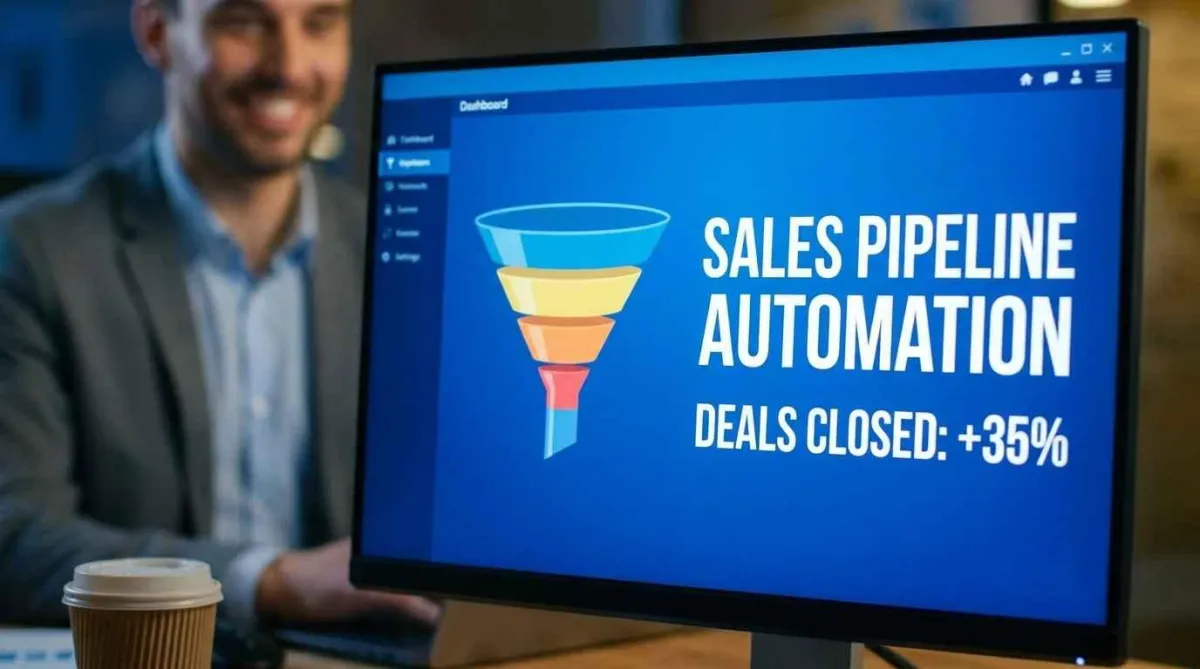
Sales Pipeline Automation Software That Closes More Deals
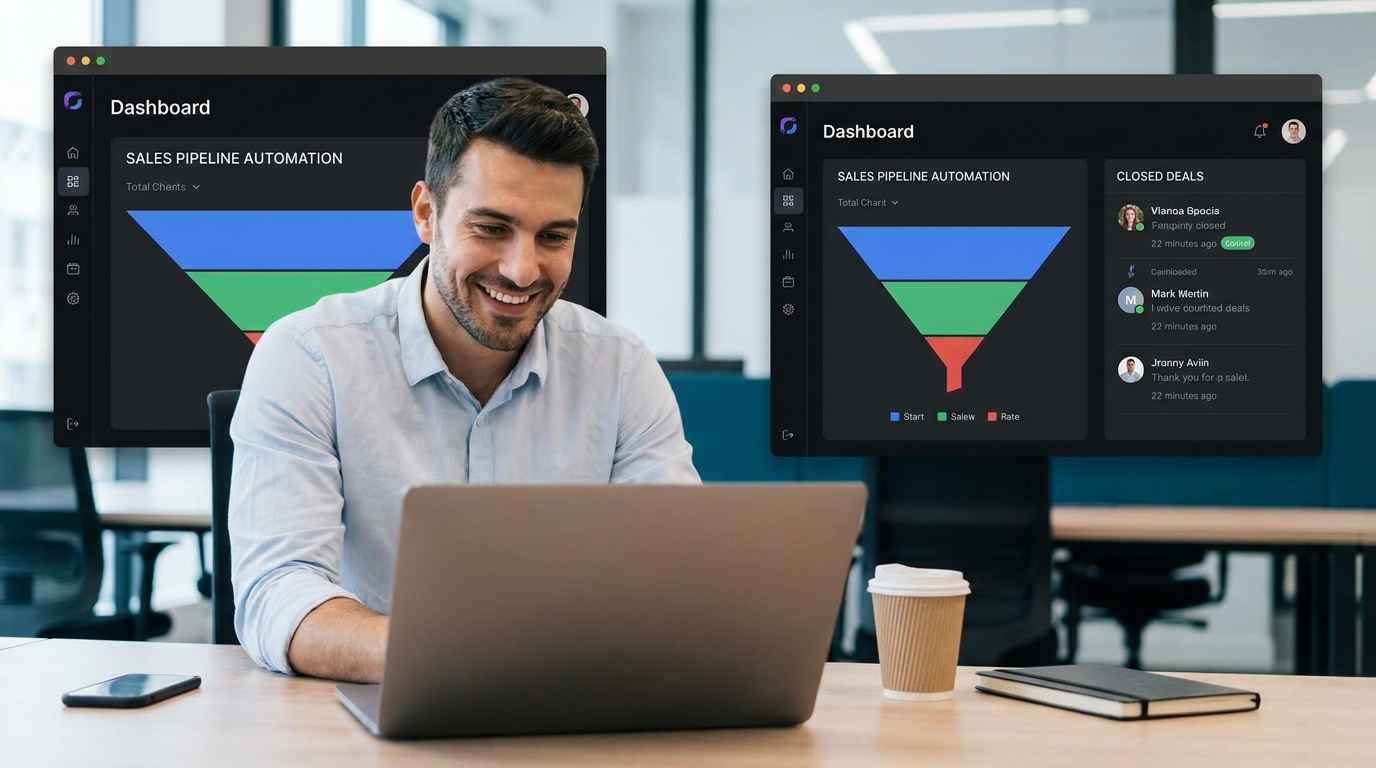
Sales Pipeline Automation Software That Actually Works for Real Businesses
A homeowner fills out your form for a kitchen remodel. You’re busy on-site. You reply hours later. By then, they’ve already hired someone else.
That’s not a lead problem. That’s a system problem.
Sales pipeline automation software fixes this by handling lead capture, follow-ups, and deal tracking automatically. For contractors, agencies, and service businesses, it removes delays that cost real money.
If you’re looking for a way to respond faster, stay organized, and close more deals without hiring more staff, this is where the shift happens.
What is Sales Pipeline Automation Software and Why It Matters
Sales pipeline automation software is a system that automatically tracks, manages, and moves leads through your sales process without manual input.
It connects your forms, calls, emails, and follow-ups into one structured flow.
In simple terms, when a lead comes in, the system responds, assigns, tracks, and reminds without you doing it manually.
For remodeling contractors, this matters more than most industries. Homeowners expect quick responses. If you don’t reply within minutes, not hours, you lose the job.
According to HubSpot 2024 data, response time directly impacts conversion rates. Faster follow-up wins.
Where Most Businesses Lose Leads Without Realizing It
Most articles tell you automation saves time. That’s surface-level.
Here’s what actually happens on the ground:
Leads come in after hours and sit untouched
Follow-ups depend on memory instead of systems
Quotes are delayed because information is scattered
Multiple tools don’t talk to each other
We have seen teams in the USA and UK lose 30 to 50 percent of leads simply because no structured follow-up existed.
It’s not about effort. It’s about process gaps.
How CRM Automation Fits Into the Pipeline
CRM automation is the backbone behind pipeline automation.
What is CRM automation? It’s the process of automating customer interactions, tracking, and communication inside a CRM system.
Tools like HubSpot, Go High Level, and Salesforce use automation to move leads through stages automatically.
What actually gets automated
Lead capture from forms, ads, or calls
Instant email or SMS responses
Follow-up reminders
Deal stage updates
Appointment scheduling
In side-by-side evaluations, this difference usually shows up in response speed and consistency. Manual systems always lag.
Best Sales Pipeline Automation Software Options (2026)
There isn’t one best tool. It depends on how your business runs.
For contractors and service businesses
GoHighLevel works well for lead generation, follow-ups, and SMS automation
It combines CRM, marketing, and automation in one system
For structured teams and larger operations
HubSpot offers strong reporting and pipeline visibility
Better for teams with dedicated sales roles
For enterprise-level workflows
Salesforce provides deep customization and integrations
Best when you have technical support or a larger team
For clients in home services, the trade-off often comes down to simplicity vs control. Most small businesses don’t need complex systems. They need something that works fast.
What Most Guides Don’t Tell You About Automation
Automation fails more often than people admit.
Here’s where things break:
1. Overcomplicated setups
Businesses try to automate everything at once. It slows everything down.
2. No clear sales process
If your pipeline is unclear, automation just makes the confusion faster.
3. Poor follow-up messaging
Automation sends messages, but bad messaging still kills conversions.
4. No human touch where needed
Automation handles speed, but closing still needs real conversation.
One missed detail here can cost deals.
Real Use Case: Kitchen Remodeling Lead Flow
A homeowner in London searches for kitchen remodeling. They fill out your form.
Here’s how automation changes the outcome:
Lead submits form
Instant SMS confirms request
Email shares portfolio and next steps
Calendar link allows instant booking
Reminder is sent before consultation
Instead of waiting hours, the lead is engaged within seconds.
That changes conversion.
Cost Reality: What You Actually Pay
Most articles only mention subscription pricing. That’s incomplete.
Here’s the real cost structure:
Software subscription
Setup time or agency cost
Training time for your team
Ongoing adjustments
According to Capterra 2025 reports, small businesses often underestimate setup time by 40 percent.
Cheap tools can become expensive if they waste your time.
How to Choose the Right Software for Your Business
Use this simple checklist:
Do you need simple or advanced automation
How fast do you need to respond to leads
Do you rely on calls, forms, or both
Can your team actually use the system daily
Do your tools need to integrate with ads or email
If you’re unsure, start small. Automate lead capture and follow-up first. Then expand.
Save this checklist. You’ll need it.
When Sales Pipeline Automation Doesn’t Work
Automation isn’t magic.
It fails when:
Your lead quality is poor
Your offer is weak
Your pricing is unclear
Your team doesn’t follow the system
We have seen businesses blame tools when the real issue was positioning.
Fix the process first. Then automate it.
Automated Customer Service and Pipeline Together
Automated customer service connects directly with your pipeline.
Chatbots, auto-replies, and AI responses handle first contact. The pipeline tracks and manages the journey.
Together, they create a complete system.
Without this connection, leads fall through gaps.
Conclusion
Sales pipeline automation software is not about technology. It’s about control.
If your leads are slipping, your follow-ups are inconsistent, or your system feels messy, automation gives you structure. But only if it’s implemented correctly.
Start with the basics. Capture leads instantly. Respond fast. Track everything.
If you’re ready to fix your process, review your current setup and identify where leads are getting lost. That’s your starting point.
Because faster response is not an advantage anymore. It’s the baseline.
FAQ SECTION
1. What is sales pipeline automation software in simple terms
It’s a system that automatically manages your leads from first contact to final sale. It captures leads, sends follow-ups, and tracks progress without manual work, helping you respond faster and stay organized.
2. Is CRM automation the same as pipeline automation
Not exactly. CRM automation handles customer data and communication, while pipeline automation focuses on moving leads through sales stages. They work together, but pipeline automation is more focused on conversions.
3. Which software is best for small service businesses
For most small businesses, tools like GoHighLevel or HubSpot Starter plans work well. The choice depends on your need for simplicity versus advanced features.
4. Can automation replace human sales interaction
No. Automation handles speed and consistency, but closing deals still requires human interaction. The best systems balance both.
5. How quickly can you see results from automation
You can see improvements in response time immediately. Conversion improvements usually happen within weeks once the system is properly set up and optimized.
6. Is sales pipeline automation expensive
It depends on the tool and setup. Basic tools are affordable, but total cost includes setup, time, and training. Always check official pricing before deciding.
7. Does automation work for local businesses like contractors
Yes. In fact, local service businesses benefit the most because fast response directly impacts lead conversion.
8. What is the biggest mistake in CRM automation
Overcomplicating the system. Simple workflows usually perform better and are easier to maintain.
9. How does automation improve lead conversion
It reduces response time, ensures consistent follow-up, and keeps leads engaged, which increases the chances of closing deals.
10. Do you need technical skills to use these tools
Basic tools are user-friendly, but advanced setups may require expert help or initial guidance.