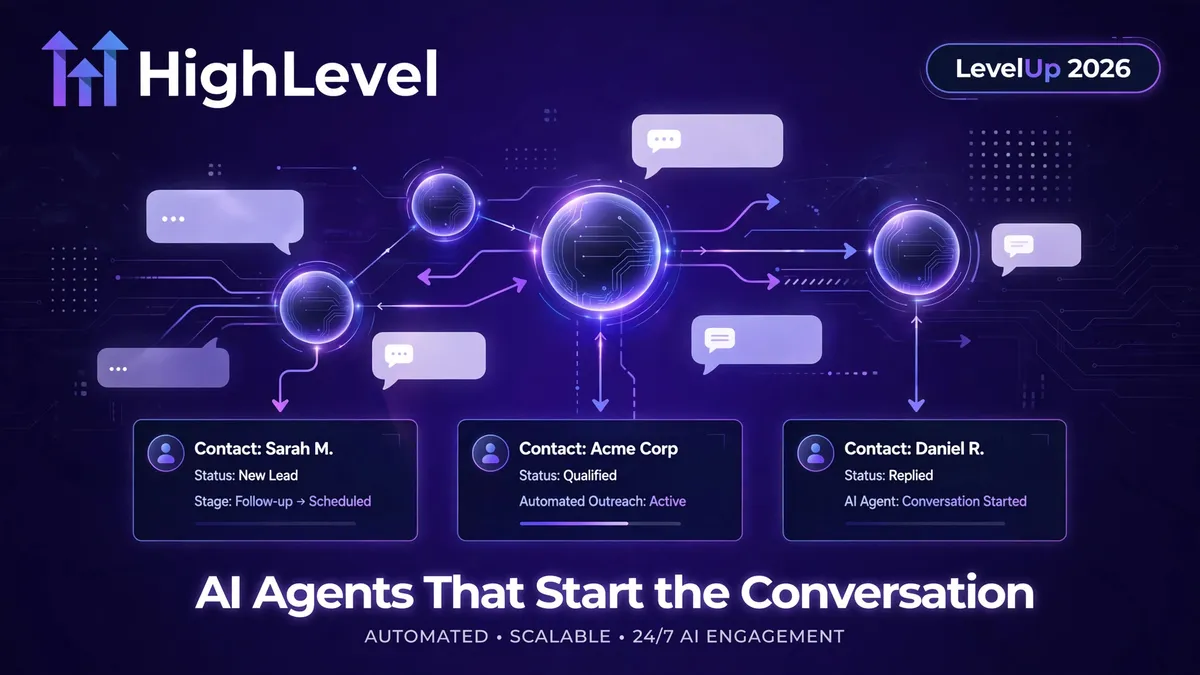
GoHighLevel LevelUp 2026: AI Updates for Agencies
GoHighLevel LevelUp 2026: The AI Updates That Change How Agencies Sell
Every GoHighLevel account owner just got a new playbook. At LevelUp 2026, held 26–29 October in Dallas, HighLevel published its official roundup of 300+ releases on 27 October 2026 — and the AI announcements are the ones that change what the platform actually does for a business.
The through-line is simple: HighLevel's AI used to wait for the customer to speak first. It doesn't anymore. Conversation AI agents can now initiate outbound conversations, run bulk database-reactivation campaigns, answer WhatsApp voice calls, and call external tools through MCP mid-conversation. For agencies, that turns AI from a chatbot add-on into a proactive sales layer.
Here's what was announced, what is available now versus in Labs or private beta, and what you should do about it.
The short version: what's new and what's its status
| Feature | Status (per HighLevel's roundup) | What it does |
|---|---|---|
| AI Campaigns: database reactivation & bulk AI outreach | Labs toggle (Conversations AI - Outbound) | AI agent runs personalised outreach to old leads, past customers and stalled deals; books appointments when they reply |
| Conversation AI: Outbound AI Agents | Labs toggle (Conversations AI - Outbound) | Agents start conversations from CRM triggers — form submissions, missed calls, deal stage changes |
| Voice AI: WhatsApp channel integration | Released (per-account routing config) | Voice AI answers incoming WhatsApp calls as the primary receiver or a team fallback |
| Voice AI: agent versioning & draft testing | Labs toggle (Agent Versioning) | Draft, compare and roll back Voice AI agent versions without touching live callers |
| Conversation AI: MCP server support | Labs toggle | Bots call external tools via Model Context Protocol servers mid-conversation |
| Conversation AI: rich element support | Labs toggle (Conversations AI Rich Elements) | Agents reply with quick replies, lists, buttons, images on WhatsApp, Messenger, Instagram, Live Chat |
| Conversation AI: date & time awareness | Released | Bots understand "tomorrow", handle time zones, prevent past bookings and double-booking |
| Managed Agents: autonomous subagent delegation | Released | Main agent delegates complex work to specialised subagents in parallel |
| AI Agents: n8n workflow import | Beta | Import an n8n JSON export to generate a Managed Agent that replicates the workflow |
| Managed Agents: computer capabilities | Released (with "Ask Before" approvals) | Agent browses websites, manages files and runs terminal scripts with explicit authorisation gates |
| AI & Search Visibility | Private beta | HighLevel's AI visibility offering; private beta sign-up linked from the roundup |
Status labels come straight from HighLevel's own wording. "No label" in the roundup means HighLevel didn't mark it Labs or Beta — not a guarantee it is switched on in your account.
AI Campaigns: database reactivation finally gets an AI engine
Most businesses sit on a contact list full of money they never collected — old leads that went cold, past customers who never bought again, deals that stalled. AI Campaigns is HighLevel's answer: bulk outreach where a Conversation AI agent handles the personalised first message and the follow-ups, then transitions into a live conversation to handle objections and book appointments when someone replies.
How it works, per the official roundup:
- Turn on Conversations AI - Outbound in Labs, and configure an Auto-Pilot agent with a designated sending number and compliance confirmation.
- Go to Contacts > AI Campaign, or select contacts and click Start AI campaign in the bulk actions bar.
- Pick your segment — predefined segments or Smart Lists — assign the agent, choose your send mode (immediate, scheduled, or drip) and start the campaign.
Two details agencies should notice. First, the send modes matter: drip campaigns let you warm a list rather than blasting it. Second, compliance isn't optional — HighLevel's own setup flow asks you to confirm a sending number and SMS compliance before anything goes out. Pair that with the new A2P Agency Trust Center console, and the risk of treating AI outreach like a spray-and-pray tool goes down — but only if you respect it.
Outbound AI Agents: your CRM triggers now start conversations
AI Campaigns is the bulk tool. Outbound AI Agents are the always-on version: Conversation AI agents that initiate conversations when something happens in your CRM. A missed call at 11pm, a form submission nobody answered within five minutes, a deal moving to "negotiation" — the agent drafts a personalised opening message from the contact's context, follows up on a schedule, and uses smart scenarios to pause or pivot based on the reply.
Setup, per HighLevel:
- Enable Conversations AI - Outbound in Labs.
- In AI Agents > Conversation AI, create an Auto-Pilot agent — write its prompt, the outbound opening message, and the auto follow-up settings.
- In the Deploy tab, configure your sending number and SMS compliance, set up your triggers, and activate outbound.
And critically, HighLevel added a Test your agent mode that previews rich elements and outbound messaging exactly as they would appear per channel — Live Chat, WhatsApp and others — so you can trigger the outbound flow against a test contact before a real lead ever sees it. That is where most agencies should start: build the agent, run the trigger in test mode, read every word, then go live.
Voice AI picks up the WhatsApp line — safely
Voice AI agents can now answer incoming WhatsApp calls, either as the primary receiver or as a fallback when the team can't pick up. You configure it per WhatsApp number in Settings > WhatsApp: ring the team only, route straight to Voice AI, or ring the team first and transfer to Voice AI after a set wait time.
The more important update for agencies running Voice AI for clients is agent versioning with draft testing. Editing a live voice agent has always been nerve-wracking — one bad prompt change and real callers hear it. Now you enable Agent Versioning in Labs, edit in a draft environment, compare versions, and publish or roll back with a single click while live callers stay untouched. If you've been hesitant to hand a client a Voice AI agent because changes felt risky, this is the update that changes the risk profile.
Conversation AI gets tools, richer replies, and a sense of time
Three smaller updates that compound:
- MCP server support (Labs): Conversation AI bots can call Model Context Protocol servers mid-conversation — over 40 ready-made catalog apps or your own MCP URL — executing external tools alongside the Knowledge Base and workflows. Your bot stops being limited to what HighLevel knows and can pull in data from your own systems. (HighLevel also added MCP integration for Project Management and wired workflows into the LeadConnector MCP server, so assistants like Claude or ChatGPT can read, build and troubleshoot automations.)
- Rich element support (Labs): Agents can reply with quick replies, lists, link buttons, images and files across WhatsApp, Messenger, Instagram and Live Chat. Conversations stop looking like plain-text walls.
- Date and time awareness: Bots understand "tomorrow" relative to when the message was sent, handle daylight saving and month rollovers, refuse to book past slots, prevent double-booking, and calculate business hours from the business's local timezone. Auto-Pilot agents can even detect and confirm a contact's own timezone before showing appointment slots.
Managed Agents level up: subagents, n8n imports, and a computer
The heavier machinery also moved:
- Autonomous subagent task delegation: Managed Agents can spawn specialised subagents for complex, multi-step jobs in parallel. The subagents carry minimal context, which HighLevel says significantly reduces processing costs and improves accuracy on long-running workflows.
- n8n workflow import (Beta): Upload or paste an n8n JSON export in Agent Studio and HighLevel generates a Managed Agent replicating the workflow — triggers become inbound webhooks, logic nodes become decision rules, app nodes become CRM actions or API calls.
- Computer capabilities: Managed Agents get a dedicated computer environment to browse websites, manage files and execute terminal scripts — but with strict approval controls. You configure "Ask Before" permissions for submitting forms, making payments, publishing content or exporting workspace data. The guardrails are the feature here, not the footnotes.
What this actually means for your agency
LevelUp 2026 didn't just add features — it moved AI from a reactive support role into the revenue workflow. An agent that reactivates your dormant list, follows up the missed call at midnight, and answers the WhatsApp call your team missed is directly attached to pipeline. That's also why the rollout discipline matters more than ever:
- Start in test mode. Use the outbound preview and Voice AI draft environments before any real contact is involved.
- Respect the compliance layer. Sending numbers, SMS compliance, A2P trust — these exist because outbound AI is regulated outreach, not a loophole. The agencies that thrive with AI Campaigns will be the ones that segment carefully and drip rather than blast.
- Version everything. Labs moves fast; a working agent this week is a broken prompt next week without version history.
- Watch the cost model. HighLevel's own roundup notes usage-based pricing can apply to AI agents, communications and client access separately from plan pricing — price client packages with headroom.
This is the part where implementation becomes the product. Anyone can toggle a Labs feature on; getting an outbound agent that books qualified appointments without annoying the contact list takes prompt design, trigger design, compliance setup, testing and iteration.
What we'd do first (a practical rollout order)
- Week one: Enable the Conversations AI - Outbound Labs toggle in a test sub-account. Build one Auto-Pilot agent for one trigger — missed-call text-back is the classic. Run it in test mode until the messages read like your best SDR.
- Week two: Run a small AI Campaign — one warm segment, drip mode, 200 contacts. Watch replies, tune the follow-up schedule, check compliance settings.
- Week three: Pilot Voice AI on WhatsApp as a fallback (ring team first, transfer after a wait). Enable Agent Versioning before you touch the prompt.
- Ongoing: Explore MCP connections only where a clear data gap exists — e.g., your bot needs inventory, booking or pricing data HighLevel doesn't hold natively.
Related reading: GoHighLevel LevelUp 2026: Founder Plan & New Tools · AI Agents vs Chatbots for Lead Qualification
Frequently asked questions
When did HighLevel announce these AI updates?
At LevelUp 2026, held 26–29 October 2026 in Dallas. HighLevel published the official roundup, "LevelUp Day 2026: The Next Evolution of HighLevel Features and Enhancements," on 27 October 2026, listing 300+ releases. The roundup notes it will be updated with more details and support links.
Are AI Campaigns and outbound AI agents available in my account now?
They require the Conversations AI - Outbound Labs toggle, per HighLevel's own setup instructions. Labs features can change before broader rollout, so verify in your own account before planning client work around them.
What's the difference between AI Campaigns and Outbound AI Agents?
AI Campaigns are bulk, list-based outreach — pick a segment, choose immediate/scheduled/drip sending, and the AI handles initial outreach and follow-ups across the list. Outbound AI Agents are trigger-based and always-on: a specific CRM event (form submission, missed call, deal stage change) starts a personalised conversation automatically.
Can Voice AI really answer WhatsApp calls?
Yes — per HighLevel's roundup, Voice AI agents can answer incoming WhatsApp calls as the primary receiver or as a fallback when the team is unavailable, with per-number routing configuration.
What is MCP support in Conversation AI?
Model Context Protocol (MCP) servers let Conversation AI bots execute external tools mid-conversation — connecting 40+ ready-made catalog apps or custom MCP URLs alongside the Knowledge Base and workflows. Enable it in Labs.
How much do HighLevel's AI agents cost to run?
Plan pricing aside, HighLevel's LevelUp materials note that client access, AI agents, communications, payments and other usage-based services can carry separate pricing. Check your own account's billing before quoting client packages.
The bottom line
HighLevel spent LevelUp 2026 making its AI proactive: campaigns that start outreach, agents that trigger off CRM events, voice on WhatsApp, tools through MCP. The features are real and documented in HighLevel's official roundup — most are in Labs, which means the window for agencies to get competent before the market catches up is right now.
Not on HighLevel yet? These AI capabilities are a solid reason to take a proper look — you can explore GoHighLevel and try the Labs features in a test sub-account. (Disclosure: that's our referral link — we may earn a commission if you sign up, at no extra cost to you.)
If you want these AI capabilities implemented properly — outbound agents, reactivation campaigns, Voice AI on WhatsApp — with the compliance, testing and prompt design done right, that's exactly what the dedicated team at CRM Automates does. Or book a call and we'll map out which LevelUp AI features fit your agency first.
CRM Automates is a business technology and CRM implementation services division of Etech Solutionz LLC, providing GoHighLevel expertise, marketing fulfilment, automation, and technical development services.