AI Agents vs Chatbots for Lead Qualification
A lead messages your business at 11pm. A basic chatbot replies with a menu: press 1 for pricing, press 2 for opening hours. The lead wanted to know whether you serve their area and when you could call them back. They close the chat and message your competitor instead.
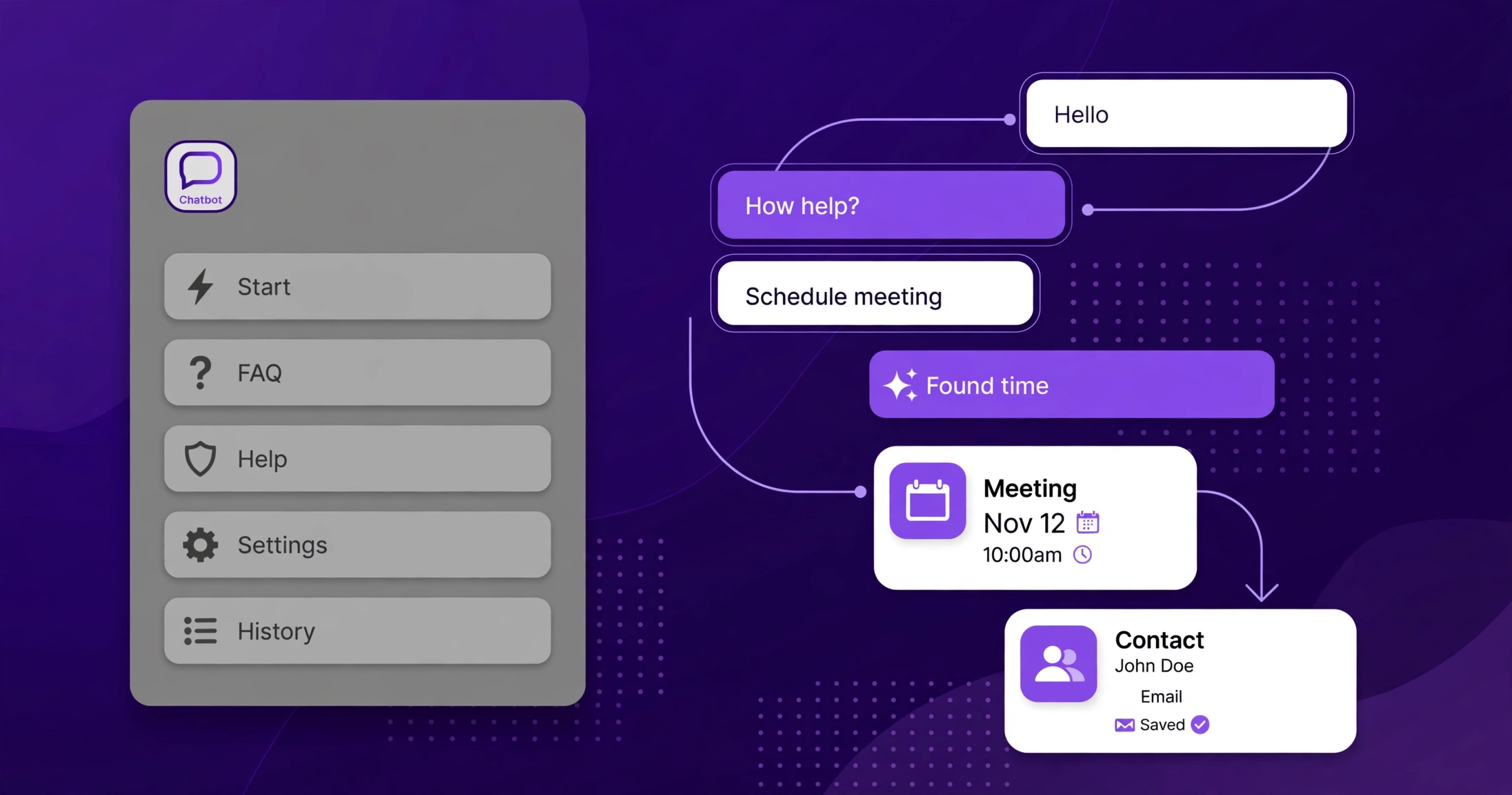
An AI lead qualification agent is software that holds a real conversation with a new lead, asks the questions that decide whether the lead is worth pursuing, books the appointment, and writes everything into the CRM. Basic chatbots answer questions from a script; AI agents act on the answers, which is why they are replacing chatbots in lead qualification. The shift is already visible inside GoHighLevel, where Conversation AI, Voice AI and Managed Agents now cover the whole first conversation.
This guide explains what an AI agent does that a chatbot cannot, what the evidence says about response speed, what it costs inside GoHighLevel, and where chatbots still earn their keep.
What is an AI lead qualification agent?
An AI lead qualification agent is an AI system given a goal, tools and access to your CRM, which it uses to talk to a lead, judge their fit, and move them to the next step. The goal might be "book a qualified call". The tools might be your calendar, your contact records, and your knowledge base. The agent reads each message, decides what to ask next, and acts: it can check availability, book a slot, tag the contact, update custom fields, or hand the conversation to a human with a summary.
That is the core difference from everything that came before it. A chatbot is given content: FAQs, a price list, a set of scripted replies. An agent is given an outcome and the means to reach it. When a lead says "I need this done before Christmas and my budget is around $3,000", a chatbot looks for a matching keyword. An agent hears a timeline and a budget, checks them against your criteria, and either books the call or politely disqualifies the lead.
How is an AI agent different from a basic chatbot?
The difference is not the quality of the writing. Modern chatbots write fluently. The difference is what happens after the reply.
| Basic chatbot | AI lead qualification agent | |
|---|---|---|
| How it decides what to say | Follows a script or keyword rules | Reasons about the conversation and your goal |
| Qualification | Collects form fields in a fixed order | Asks follow-up questions based on the answers |
| CRM updates | Logs the chat transcript | Writes tags, scores, notes and custom fields to the contact record |
| Booking | Links to a calendar page | Checks availability and books the appointment itself |
| Follow-up | Sends a fixed sequence | Re-engages based on what the lead said and did |
| Channels | Usually one: website chat | SMS, email, WhatsApp, Facebook, Instagram, web chat, voice |
| Handover | "A human will reply soon" | Hands over with a summary of what was established |
| Cost to run | Low; fixed | Token or subscription based; scales with conversation volume |
| Verdict | Best for answering repeat questions cheaply. | Best for turning enquiries into booked, qualified calls. |
A chatbot is a better FAQ page. An agent is a junior salesperson who never sleeps. That is why the replacement is happening in lead qualification specifically: qualification is a conversation with a decision at the end, and scripts are bad at decisions.
Why does response speed matter so much?
Because the first business to reply usually wins the conversation, and agents reply in seconds at any hour.
The evidence for speed is old and consistent. A 2007 Lead Response Management study by Dr James Oldroyd with InsideSales.com found that leads contacted within five minutes were 21 times more likely to qualify than leads contacted after thirty minutes. Harvard Business Review's 2011 study "The Short Life of Online Sales Leads", which audited 2,241 US companies, found the same pattern at the one-hour mark: firms that responded within an hour were far more likely to have a meaningful conversation than firms that waited. Neither study tested AI agents, but the mechanism they measured, speed of first human contact, is exactly what an agent supplies around the clock.
More recent benchmarks show how few businesses meet that bar. Blazeo's 2026 Speed-to-Lead Benchmark Report, which surveyed 573 companies across six service industries, found that 81.2% of companies that take over an hour to respond report losing leads to competitors. A Drift and Heinz Marketing audit of 433 B2B company websites found that only 7% responded within the original five-minute window. And nearly half of all high-intent enquiries arrive outside standard business hours, according to the same benchmark roundup. A rota of humans cannot cover that window; an agent can.
Buyers also expect it now. Zendesk's 2026 CX Trends research found that 74% of consumers expect customer service to be available around the clock because of AI, and 88% expect faster responses than a year earlier. Drift's State of Conversational Marketing report, drawn from more than 30 million analysed conversations, found that chat converts 4.3 times better than static forms. The demand is not for a smarter form. It is for an answer, now, from something that understands the question.
What do AI agents actually do inside GoHighLevel?
HighLevel now ships a full set of AI agent products, and they divide the work between them. The official HighLevel support documentation describes the current lineup as Conversation AI, Voice AI, Managed Agents, Ask AI, Workflow AI, and Agent Studio, among other AI tools. For lead qualification, four of them matter.
Conversation AI is the customer-facing messaging agent. According to HighLevel's own documentation, it responds to inbound messages, collects information, answers questions, assists with appointment booking, and supports workflows based on how the bot is configured. It works across SMS, email, Facebook, Instagram, WhatsApp, chat widget and live chat, and it runs in three modes: Off, Suggestive (it drafts replies for a human to review and send), and Auto-Pilot (it replies automatically, working the conversation towards a booking). It can be set up with a guided form for simple lead capture and booking, with a detailed prompt for more control, or as a workflow-style agent with steps, conditions and information-capture branches. A Conversation AI workflow action can also start an AI-powered conversation inside a workflow, wait for the reply, and route the contact down different branches based on what the lead says.
Voice AI does the same job on the phone: it answers calls, qualifies the caller and routes them, so a missed call becomes a qualified lead instead of a voicemail nobody returns.
Workflow AI brings agents into automations. HighLevel announced in October 2026 that Workflow AI can automatically categorise and route inbound support emails, tagging them and creating follow-up tasks. The same pattern applies to leads: an agent reads the enquiry, classifies it, and triggers the right workflow without a human triaging the inbox.
Managed Agents, formerly called Super Agents, are HighLevel's autonomous agents for broader work, and they reached general availability in September 2026. Where Conversation AI handles one conversation, Managed Agents are built to run multi-step work across the account.
Pricing is straightforward and public. HighLevel's AI product pricing page lists Conversation AI under the AI Employee plans: Growth at $50 a month includes 1,000 agent responses a month, and Unlimited at $97 a month is unlimited subject to fair use. Without an AI Employee plan, Conversation AI is billed pay-per-use on tokens. That makes the cost easy to model: a business handling a few hundred lead conversations a month fits inside the Growth plan; a high-volume agency needs Unlimited or pay-per-use.
The practical point is that the agent lives inside the CRM. Every answer it collects lands on the contact record, every booking lands on the calendar, and every handover carries the conversation history. That is the part a standalone chatbot cannot match: the qualification work and the CRM record are the same thing, not two systems stitched together. If your workflows are already the weak link, the same discipline applies here; our guide to why GoHighLevel workflows break at scale covers the failure modes to avoid.
Where do basic chatbots still do the job?
Agents are not a universal replacement, and the honest case for chatbots is a cost and complexity one. A chatbot that deflects routine questions, opening hours, delivery areas, pricing pages, costs little, ships fast, and needs almost no maintenance. For a business with low enquiry volume and simple questions, that is enough, and an agent would be over-engineering.
Chatbots also make sense as a front door. A simple bot can greet a visitor, answer the three most common questions, and hand the conversation to an agent only when the visitor shows buying intent. That hybrid keeps token costs down and keeps the agent focused on the conversations that matter.
The rule of thumb: if the conversation ends with an answer, a chatbot will do. If it ends with a decision, a booking or a disqualification, you need an agent.
What goes wrong when businesses rush into AI agents?
Gartner's two forecasts on this market tell the whole story. In March 2025, Gartner predicted that agentic AI will autonomously resolve 80% of common customer service issues without human intervention by 2029, cutting operational costs by 30%. Three months later, in June 2025, the same firm predicted that over 40% of agentic AI projects will be cancelled by the end of 2027, citing escalating costs, unclear business value and inadequate risk controls. Both forecasts can be true. The technology works; the deployments fail when they start too big, with no clear outcome and no one owning the system.
Gartner also warns about "agent washing": vendors relabelling chatbots, assistants and robotic process automation as agents. Of the thousands of vendors claiming agentic capabilities, Gartner estimates only about 130 are real. The test is simple. If the tool cannot take an action, update a system and work towards a goal without a human clicking, it is a chatbot with a new label.
The failure modes to plan for are concrete. An agent with a thin knowledge base gives thin answers, so training data matters more than the model. An agent with no guardrails will answer pricing, legal or medical questions it should not touch, so high-stakes topics need a human fallback. An agent with no stop rule will keep messaging a lead who asked to stop, so opt-out handling must be built in. And in the EU, transparency rules require telling people when they are interacting with AI rather than a human, so disclosure should be part of the design, not an afterthought.
The fix for all of this is to start narrow: one workflow, one channel, one measurable outcome, with a person who owns the system. HighLevel's Suggestive mode exists for exactly this reason: run the agent as a draft-writer first, check its replies for a week, then switch the proven flows to Auto-Pilot.
How to roll out a lead qualification agent in five steps
Step 1: Pick one qualification outcome. Choose the single decision the agent must make, such as "book a call with leads who have budget and a timeline". Write the five questions that decide it. If you cannot list them, the agent cannot ask them.
Step 2: Build the knowledge base first. Feed the agent your real service pages, pricing, service areas and FAQs. HighLevel accepts uploaded files, website URLs, tables and manual Q&A entries as training sources. A thin knowledge base is the most common reason agents give wrong answers.
Step 3: Start in Suggestive mode. Let the agent draft replies for a human to review and send. Review a week of conversations, fix the prompts where it goes wrong, and only then switch to Auto-Pilot for that flow.
Step 4: Wire the CRM actions. Qualification is only useful if the CRM knows about it. Map each answer to a custom field, a tag or a pipeline stage, and make the booking write directly to the calendar. Test the full path with a real phone number before launch.
Step 5: Measure one number. Track qualified bookings per week, not messages sent. If qualified bookings rise and the team spends less time on unqualified enquiries, the agent is working. If message volume rises and bookings do not, the qualification questions are wrong.
How CRM Automates helps
CRM Automates builds AI agents inside GoHighLevel for agencies and businesses that want the first conversation handled properly. That means Conversation AI and Voice AI configured around your actual qualification criteria, trained on your real service pages, wired into your pipelines and calendars, and tested in Suggestive mode before anything goes live. The team also runs the ongoing maintenance the agent needs: prompt updates when services change, guardrail reviews, and follow-up workflows that keep qualified leads moving. CRM Automates is a GoHighLevel certified company with 150+ team members, trusted by 300+ businesses, offering 24/7 live expert support across US and UK timezones and a 94% client retention rate.
If your leads are arriving after hours and getting a menu instead of a conversation, the fix is not a bigger chatbot. It is an agent with a goal, a calendar and a CRM to write to. Talk to the CRM Automates team about setting one up, or book a free call to walk through what your first agent should qualify.
Frequently asked questions
What is the difference between an AI agent and a chatbot?
A chatbot answers questions from a script or keyword rules. An AI agent is given a goal and tools, such as your calendar and CRM, and works towards that goal by asking follow-up questions, booking appointments and updating contact records. The test is action: if it cannot update a system or make a decision, it is a chatbot.
Can GoHighLevel Conversation AI qualify leads and book appointments?
Yes. HighLevel's own documentation describes Conversation AI as a customer-facing messaging agent that answers questions, qualifies leads, collects information and assists with appointment booking across SMS, email, Facebook, Instagram, WhatsApp, chat widget and live chat. It runs in Suggestive mode, where a human reviews replies, or Auto-Pilot mode, where it replies on its own.
How much does HighLevel Conversation AI cost?
Conversation AI is billed through HighLevel's AI Employee plans or pay-per-use on tokens. The Growth plan costs $50 a month and includes 1,000 agent responses a month; Unlimited costs $97 a month with unlimited responses subject to fair use. Without an AI Employee plan, usage is billed per token. Check the current pricing inside your HighLevel account before quoting it to a client.
Do AI agents replace human salespeople?
No. Agents replace the first conversation: the instant reply, the qualification questions and the booking. Humans still run the sales call, handle objections and close. The agent's job is to make sure the human only talks to leads who are qualified and ready, and that no lead waits hours for a first reply.
Are AI agents reliable enough for real leads?
They are reliable when they are set up properly and unreliable when they are not. The reliability comes from training data, guardrails and a human fallback, not from the model alone. Start in Suggestive mode, review a week of conversations, and switch proven flows to Auto-Pilot. Gartner expects over 40% of agentic AI projects to be cancelled by the end of 2027, mostly for unclear value and weak controls, so a narrow, measured rollout matters more than the tool choice.
Should a small business use an AI agent or a chatbot?
It depends on volume and complexity. If you get a handful of simple questions a day, a chatbot is cheaper and sufficient. If leads arrive after hours, ask varied questions and need a booking at the end, an agent pays for itself in recovered conversations. A common middle ground is a chatbot front door that hands buying-intent visitors to an agent.