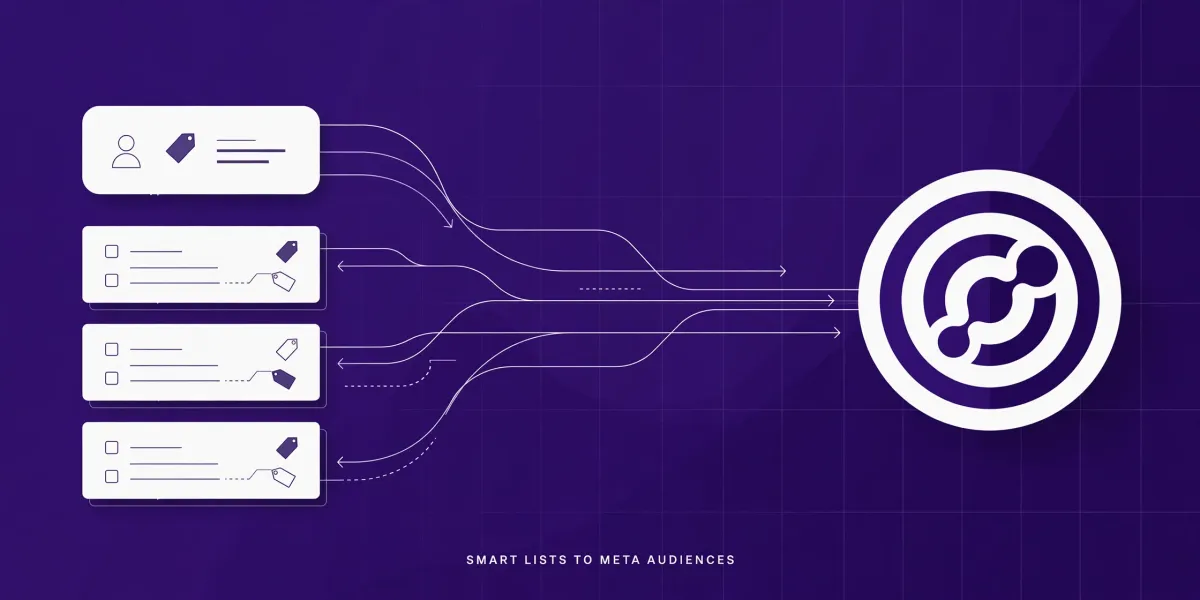
How to Use HighLevel Smart Lists as Meta Custom Audiences
How to Use HighLevel Smart Lists as Meta Custom Audiences
Your CRM already knows who your best buyers are. Now it can hand them straight to Meta. HighLevel lets you turn a Smart List into a Meta Custom Audience inside Ad Manager — no CSV exports, no stale lists. Pick a Smart List, choose Static (frozen at creation) or Dynamic (auto-updates as the list changes), accept Meta's customer-list terms, and wait for Ready status. The audience then appears as a Retargeting option at the Ad Set level of any Meta campaign.
A Smart List is a HighLevel contact segment built with filters — tags, pipeline stages, appointment behaviour, custom fields — that updates as contacts meet or stop meeting the criteria. A Meta Custom Audience is a reusable audience built from your own customer data (emails, phone numbers) that Meta matches to user profiles on Facebook and Instagram, so you can target those people with ads.
This tutorial walks through both audience types, the exact setup steps in Ad Manager, and the retargeting plays that make this feature worth using. CRM Automates is a GoHighLevel certified company trusted by 300+ businesses — and when clients want their CRM and ad accounts wired together properly, this is one of the first integrations we set up.
Why retarget your Smart Lists instead of uploading CSVs?
Because an audience tied to a live Smart List stays current without you touching it. The classic CSV workflow — export, clean, upload, re-upload next month — dies the week you get busy, and your "retargeting" quietly runs on a three-month-old list. A Smart List audience removes the manual step entirely: the segment you already use for follow-ups becomes the segment you retarget.
Four concrete things this unlocks:
- Always-on retargeting on CRM segments like abandoned checkouts, no-show appointments, or stalled pipeline stages.
- Exclusion audiences — suppress converted customers from prospecting campaigns so you stop paying for clicks that can't convert.
- Lookalike seeds — use your best Smart List audiences as the source for Lookalike Audiences that find new buyers who resemble them.
- One source of truth — the audience criteria live in the CRM, where your team can see and adjust them, not buried in Ads Manager.
This lands as part of a busy quarter for HighLevel's advertising tooling — our LevelUp 2026 product roundup covers the other releases arriving alongside it.
What are the two audience types: Static vs Dynamic?
Static freezes the audience membership at the moment of creation; Dynamic keeps the audience linked to the Smart List so membership updates automatically as the list changes. This is the single most important choice in the setup, so get it right.
| Type | What happens | Best for |
|---|---|---|
| Static | Takes a snapshot of the Smart List's contacts at creation time; never updates afterwards | Point-in-time campaigns: a launch list, event attendees, a quarterly offer |
| Dynamic | Adds and removes contacts automatically as the source Smart List changes | Always-on campaigns: abandoned cart recovery, no-show follow-up, pipeline nurture |
The verdict: choose Dynamic for evergreen campaigns you want to run and forget, and Static for time-bound promotions where the audience should stay fixed. Most agencies will use Dynamic most of the time.
Ready to test Smart List audiences yourself?
The fastest way to see how this works is inside your own HighLevel account — start your 14-day free trial of GoHighLevel here and connect your Meta ad account to Ad Manager.
Disclosure: this is an affiliate link — if you sign up through it, CRM Automates may earn a commission at no extra cost to you.
Rather have it built for you? Audiences are only as good as the Smart Lists behind them — the filters, the exclusions, the segmentation logic. CRM Automates is a GoHighLevel certified company trusted by 300+ businesses: see how we set up and run HighLevel ad and CRM systems.
What do you need before you start?
Four prerequisites, in order:
- A Smart List already built in the Contacts section of the sub-account. Only pre-created Smart Lists are available in the audience builder, so build and review the list first. A Dynamic audience is only as good as the list's filter logic — review it now, not after the campaign launches.
- Your Meta ad account connected to HighLevel Ad Manager. The audience is created inside Ad Manager, not inside Meta's Ads Manager.
- Meta's customer-list custom audience terms accepted. HighLevel prompts you on your first audience creation; if you haven't accepted them, a toast message will say so before the audience can be created.
- A decision on Static vs Dynamic (see the table above), because you'll choose it mid-flow.
How do you create a Smart List Custom Audience in Ad Manager?
There are two paths, and the steps are nearly identical. Use the Audiences tab when you want to prepare audiences in advance; use the campaign path when you're building a campaign right now.
Path A — from Ad Manager Settings:
- Open Ad Manager and click the settings icon to reach Ad Manager Settings.
- Go to the Audiences tab — this is the central list of every Custom and Lookalike audience in the account.
- Click Create new audience and select Custom Audience.
- Choose Customer List as the source.
- Select the Smart List option and pick one or several Smart Lists from the dropdown.
- Choose Static or Dynamic, give the audience a clear name, and hit Create audience.
Path B — during campaign creation:
- In the campaign creation flow, go to the Intended Audience section and select Retargeting.
- Open the "Create new or select retargeting audience" dropdown and choose Create a Custom Audience.
- Select Customer List as the source, pick your Smart List(s), choose Static or Dynamic, name it, and create.
Meta matches the contacts' identifiers (emails, phone numbers) to user profiles on Facebook and Instagram. Matching takes time — which brings us to the next section.
How do you use the audience in a campaign?
Select it under Retargeting at the Ad Set level of a Meta campaign — that's where HighLevel places Audience Controls for Meta. Two rules from HighLevel's own docs:
- The audience must reach Ready status before it can be selected. HighLevel prevents you from choosing an audience that is still Not Ready, so if your new audience is greyed out, it's still being processed by Meta.
- You can select up to 15 retargeting audiences per campaign, which is plenty of room to combine Smart List audiences with website and engagement audiences.
A practical naming habit: include the source and the type in the name (for example, "No-show appointments — Dynamic — Nov 2026"). Future-you, reviewing the Audiences tab in six months, will be grateful.
How do you keep Smart List audiences working well?
Audit the Smart List's filters regularly. A Dynamic audience mirrors the list, so a sloppy filter means a sloppy audience. If your "hot leads" list still includes anyone tagged "lead" from 2024, your retargeting budget is reaching cold contacts.
Suppress converted customers from prospecting. Build a Smart List of paying customers, push it as an audience, and add it as an exclusion on your acquisition campaigns. It is the single cheapest ROAS improvement in retargeting.
Build lookalikes from your best lists. Once a Smart List audience performs — past buyers, high-ticket consults booked — use it as a seed for a Lookalike Audience in Ad Manager to find new people who resemble them. Note that Meta does not allow lookalikes for Special Ad Category campaigns (housing, employment, credit).
Mind the privacy basics. You're handing your customer data to Meta, so accept the customer-list terms as prompted and keep your data collection permissions in order. Meta can restrict audiences that contain or imply information prohibited under its terms — keep segments built on your own consented customer data and you'll stay on solid ground.
Frequently asked questions
What is the difference between a Static and a Dynamic Smart List audience?
A Static audience takes a one-time snapshot of the Smart List's contacts when you create it and never updates afterwards. A Dynamic audience stays linked to the Smart List: when contacts enter or leave the list, they enter or leave the audience automatically. Use Static for time-bound campaigns and Dynamic for always-on retargeting.
Can I create the audience while I'm building a campaign?
Yes. In the campaign creation flow, go to Intended Audience, select Retargeting, and use the "Create new or select retargeting audience" dropdown to create a Custom Audience inline. The source, Smart List selection, and Static/Dynamic steps are the same as creating from the Ad Manager Settings Audiences tab.
Why can't I select the audience I just created in my campaign?
The audience is probably still being processed by Meta. HighLevel only lets you select audiences whose status shows Ready — audiences still in Not Ready status are blocked from selection. Wait for the status to flip, then try again.
Do I need to accept anything from Meta before creating a Custom Audience?
Yes. Before your first customer-list audience is created, you must accept Meta's customer list custom audience terms. If you haven't accepted them, HighLevel shows a toast message telling you to do so when you click Create Audience.
Can I combine several Smart Lists into one audience?
Yes — when you select the Smart List option during creation, the dropdown lets you choose one or many Smart Lists, and all of their contacts are included in the resulting audience.
Can I build a Lookalike Audience from a Smart List audience?
Yes. Once your Smart List Custom Audience reaches Ready status, you can select it as an eligible seed audience when creating a Lookalike Audience in Ad Manager. Lookalikes are not permitted for Meta Special Ad Category campaigns.
What is the difference between a Smart List audience and a CSV upload?
A CSV upload is a manual one-off: you export contacts, format the file to Meta's guidelines, and upload it — and the audience never updates. A Smart List audience skips the file entirely and, in Dynamic mode, updates itself as your CRM data changes. If the audience needs to stay current, Smart Lists win every time.
The bottom line
Smart List Custom Audiences remove the worst part of CRM retargeting — the manual export-upload cycle — and replace it with something better: audiences that stay synced to the segments your business already runs on. The setup takes minutes; the ongoing payoff is retargeting that never goes stale and lookalikes seeded from your real customers.
To put it to work, start your 14-day free trial of GoHighLevel and build your first audience from a Smart List you already trust.
Disclosure: this is an affiliate link — if you sign up through it, CRM Automates may earn a commission at no extra cost to you.
And if the real question isn't which audience type to pick but who will build the Smart Lists, connect the ad account, and run the campaigns properly — that's what we do. CRM Automates is a GoHighLevel certified company with a 150+ member team supporting 300+ businesses. Start with a free call and we'll map out the CRM-to-ads setup for your business.
Sources: HighLevel's official changelog entry for Customer List Custom Audiences using Smart Lists; the official support guide Create Custom Audiences in HighLevel Ad Manager; the official Audience Controls guide. Facts verified 2026-11-03.