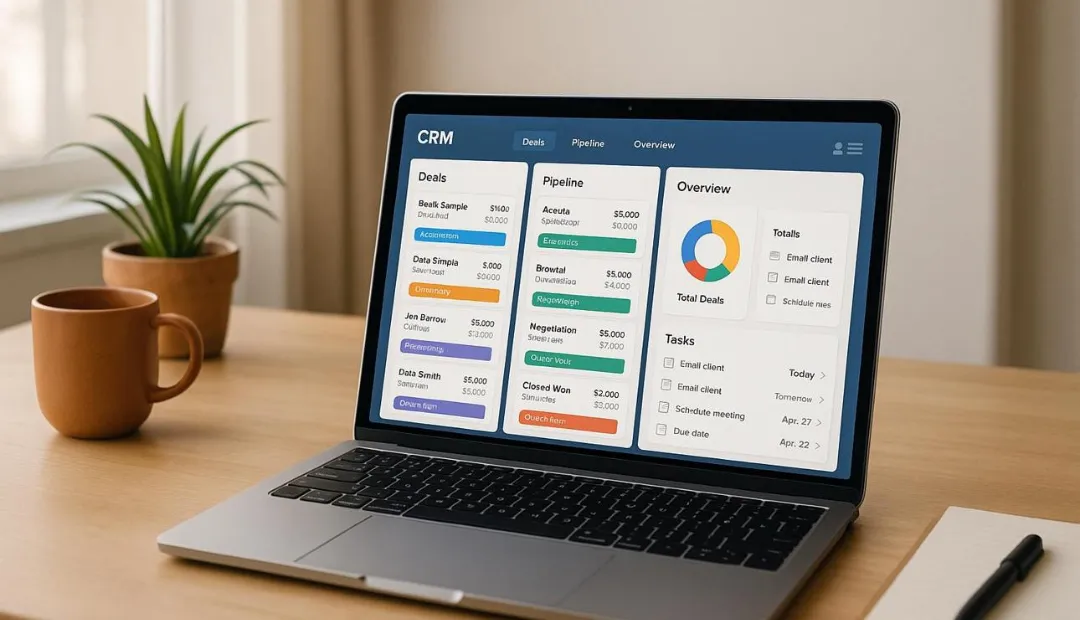
How to Implement a CRM : Complete Guide
CRM Implementation Guide: How to Implement a CRM Successfully
A CRM implementation should follow a clear dependency order: requirements → CRM structure → data → integrations → automation → testing → training → launch. Each stage depends on the one before it. Building workflows before your fields, pipelines, and data structure are ready can create unnecessary rework.
A CRM implementation is more than installing software. It means configuring the system around the way a business manages leads, customers, sales, communication, and follow-ups.
In this CRM implementation guide, we explain what each stage involves, how the process works, and what businesses should check before launching a new CRM.
What Is CRM Implementation?
CRM implementation is the process of planning, configuring, and launching a customer relationship management system for a business.
It can include:
Defining business requirements
Setting up the CRM
Creating custom fields
Building sales pipelines
Preparing and migrating customer data
Connecting integrations
Creating workflows and automation
Testing the system
Training users
Launching and improving the CRM
The goal is to make the CRM fit the business process instead of forcing the team to change how it works just to use the software.
For example, a service business may need a CRM to capture leads, assign them to sales staff, schedule appointments, send follow-ups, and track each opportunity through the sales pipeline.
That makes CRM implementation a business process as much as a technical setup.
How Do You Implement a CRM System?
The basic process is to define your requirements, choose the CRM, create an implementation plan, configure the system, prepare your data, connect integrations, build automation, test everything, and train your team before launch.
1. Define Your CRM Requirements
Start with the business process rather than the CRM settings.
Ask:
Where do new leads come from?
How are leads assigned?
What happens after a lead contacts the business?
What are the sales stages?
Which follow-ups are currently manual?
What information does the sales team need?
What should managers see in reports?
For example, a business might use this sales process:
New Lead → Contacted → Qualified → Appointment → Proposal → Won/Lost
Defining this process first gives you a clear foundation for the rest of the CRM implementation steps.
2. Choose the Right CRM
Choose a CRM based on the processes and features the business actually needs.
Consider:
Sales pipeline requirements
Workflow automation
Integrations
Number of users
Reporting
Data management
Ease of use
Future growth
A CRM with hundreds of features is not automatically the right choice. The system should solve the problems the business actually has.
For businesses using GoHighLevel, the platform provides CRM features for managing contacts, opportunities, pipelines, and automated customer processes.
3. Create a CRM Implementation Plan
A CRM implementation plan defines what needs to be completed, who is responsible for each stage, and when the work should happen.
A basic plan can include:
Stage | Main Task |
|---|---|
Requirements | Define business needs |
CRM setup | Configure the system |
Data preparation | Clean existing records |
Migration | Move customer data |
Integrations | Connect business tools |
Automation | Build workflows |
Testing | Check the complete process |
Training | Prepare users |
Launch | Start using the CRM |
Optimization | Improve the system |
For a larger project, a CRM implementation project plan can break each stage into individual tasks, deadlines, responsibilities, and milestones.
The most important part is understanding dependencies. For example, workflows should not be finalized until the fields, pipelines, triggers, and data structure they depend on are ready.
4. Configure the CRM
Configuring a CRM means adapting the system to the company's actual workflow.
Depending on the platform, this can include:
User accounts
Permissions
Contact fields
Custom fields
Opportunity fields
Sales pipelines
Pipeline stages
Tags
Forms
Calendars
Notifications
Dashboards
Custom fields are useful when standard contact information is not enough. They allow businesses to store specific information needed for sales, customer management, workflows, or reporting.
This is an important part of CRM setup because automation and reporting often depend on the information stored in these fields.
5. Prepare and Migrate Customer Data
Before implementing a CRM, clean the existing customer data.
Look for:
Duplicate contacts
Incorrect email addresses
Missing phone numbers
Old records
Inconsistent information
Incorrect lead sources
Unnecessary fields
Then map the old data to the correct CRM fields.
For example, a customer's lead source, preferred service, or estimated budget may need its own field instead of being placed inside a general notes section.
Moving poor-quality data into a new CRM does not solve the problem. It simply moves the same problem into a new system.
6. Set Up Your CRM Pipelines
Your CRM pipeline should represent the actual sales process.
For example:
New Lead → Contacted → Qualified → Appointment Booked → Proposal → Closed
Each stage should have a clear purpose. Avoid creating unnecessary stages that your team does not understand or use.
A well-structured pipeline makes it easier for sales teams to see where opportunities are and helps management understand how leads are moving through the sales process.
7. Connect Your Business Tools
A CRM often needs to work with other systems.
Common integrations include:
Website forms
Email platforms
Calendars
Payment systems
Advertising platforms
Communication tools
Lead sources
Analytics platforms
The purpose is to reduce manual data entry and keep important information connected.
For example:
Website form → CRM contact → Opportunity → Sales notification → Follow-up workflow
This creates a connected process instead of requiring employees to copy information from one platform to another.
8. Build CRM Workflows and Automation
CRM automation should be built after the core structure is ready.
A workflow normally starts with a trigger and then performs one or more actions.
For example:
New Lead → Assign Sales Rep → Send Email → Wait → Follow Up → Create Task
Common CRM automations include:
New lead follow-up
Appointment reminders
Lead assignment
Internal notifications
Pipeline updates
Customer onboarding
Re-engagement campaigns
Task creation
The objective is not to automate everything. The objective is to automate repetitive tasks that have a clear business purpose.
This is why the implementation order matters. If the pipeline, fields, and triggers change after automation has already been built, the workflows may need to be rebuilt.
9. Test the CRM Before Launch
Testing should happen before real customers enter the system.
Check:
Forms
Contact creation
Data mapping
Pipeline movement
Workflows
Emails and messages
Calendar bookings
Notifications
Integrations
User permissions
Reports
Do not test features one at a time. Test complete customer journeys.
For example:
Submit form → Contact created → Opportunity created → Lead assigned → Follow-up starts → Appointment booked → Pipeline updated
If something fails, fix it before launch.
10. Train Your Team and Launch
A CRM only provides value when employees use it correctly.
Before launch, make sure users understand:
Where to find leads
How to update records
How to move opportunities
Where to view tasks
Which information they need to enter
How automated follow-ups work
Keep the process simple.
After launch, monitor how the CRM is being used. If employees repeatedly skip a field or sales stage, check whether the system is unnecessarily complicated.
How Long Does CRM Implementation Take?
A CRM implementation timeline depends on the size and complexity of the project.
A simple implementation with limited data and a few users requires less work than a system involving large data migration, multiple integrations, custom workflows, and several sales teams.
The timeline is affected by:
Number of users
Amount of existing data
Data quality
Number of integrations
Workflow complexity
Customization
Testing requirements
Training requirements
Instead of using the same timeline for every project, estimate each implementation stage based on the actual requirements.
CRM Implementation Best Practices
For a successful CRM implementation:
Start with clear business requirements.
Keep the CRM structure simple.
Clean data before migration.
Use fields for structured information.
Build pipelines around the real sales process.
Create automation after the CRM foundation is ready.
Test complete customer journeys.
Train users before launch.
Monitor CRM usage after launch.
Improve the system based on real feedback.
The biggest mistake is trying to automate a process that has not been properly defined.
Common CRM Implementation Challenges
Businesses can face several problems during implementation.
Poor Data Quality
Duplicate, incomplete, or outdated records can affect reporting and automation.
Unclear Requirements
If the team does not agree on how the CRM should work, configuration changes can continue throughout the project.
Too Much Customization
Adding unnecessary customization can make the CRM harder to manage and maintain.
Low User Adoption
Employees may continue using spreadsheets or other tools if the CRM does not fit their workflow.
Automation Errors
Incorrect triggers or conditions can send the wrong messages, create unnecessary tasks, or move opportunities through the wrong pipeline stages.
Integration Problems
Different systems may use different fields, data formats, or rules. These connections should be tested before launch.
CRM Setup vs CRM Implementation
CRM setup generally means configuring the basic system, such as users, fields, pipelines, permissions, and settings.
CRM implementation is broader. It includes planning, setup, data migration, integrations, automation, testing, training, launch, and optimization.
So, CRM setup can be one part of CRM implementation, but the two terms are not the same.
When Do You Need CRM Implementation Services?
Professional CRM implementation services can be useful when a business needs more than basic setup.
You may need professional help if you have:
Multiple sales pipelines
Complex workflows
Large amounts of customer data
Several third-party integrations
Lead routing requirements
Custom CRM fields
Advanced reporting
Multiple sales teams
The goal should not simply be to configure the software. The CRM should be organized around the business process and ready for everyday use.
If you need help with CRM setup, automation, integrations, or implementation, CRM implementation services from CRM Automates can help businesses build a CRM around their actual sales and customer management processes.
CRM Implementation Checklist
Before considering the implementation complete, make sure you have:
Defined CRM requirements
Created the implementation plan
Configured users and fields
Built the required pipelines
Cleaned and migrated data
Connected integrations
Created workflows
Tested the system
Trained users
Launched the CRM
Monitored performance
Following this order makes implementing a CRM successfully easier and reduces the chance of rebuilding parts of the system later.
FAQs
What is CRM implementation?
CRM implementation is the process of planning, configuring, integrating, testing, and launching a CRM so it supports a business's sales and customer management process.
How do you implement a CRM?
Start by defining business requirements, choosing the CRM, creating an implementation plan, configuring the system, preparing data, connecting integrations, building automation, testing everything, and training users.
What are the main CRM implementation steps?
The main steps are planning, CRM setup, data preparation, data migration, pipeline configuration, integrations, automation, testing, training, launch, and optimization.
How long does CRM implementation take?
It depends on the number of users, data volume, integrations, customization, automation, and testing required. Simple implementations require less work than complex ones.
What should a CRM implementation plan include?
A CRM implementation plan should include project goals, requirements, responsibilities, milestones, data migration, integrations, testing, training, launch, and post-launch optimization.
Final Takeaway
A successful CRM implementation follows a clear order:
Requirements → CRM structure → Data → Integrations → Automation → Testing → Training → Launch
Starting with the business process and building each layer in the right order reduces rework and makes the CRM easier for the team to use.
The goal is not simply to have a CRM. The goal is to have a CRM that supports the way the business actually manages leads, customers, sales, and follow-ups.