CRM Automation: What Actually Works in 2026
Your sales rep just spent 45 minutes manually logging calls, copying contact details between tabs, and sending the same follow-up email she sent last Tuesday. That is not a people problem. That is a systems problem. CRM automation fixes exactly this. It handles the repetitive data entry, follow-up sequencing, lead routing, and pipeline updates that eat hours every week across sales, marketing, and customer service teams. This guide covers what CRM automation actually is, which workflows are worth automating first, how the major platforms compare, and where businesses consistently get it wrong before spending a dollar.
What Is CRM Automation and Why Does It Matter Now
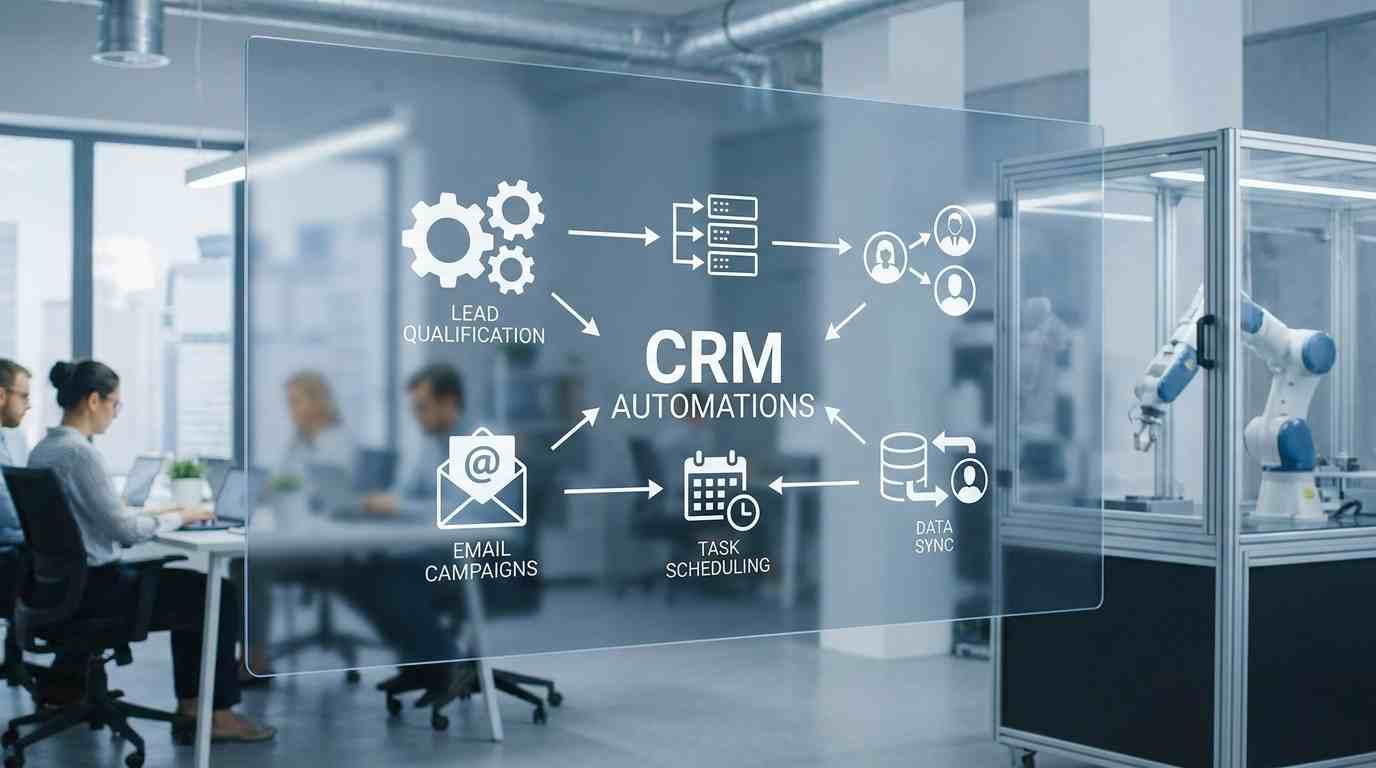
CRM automation is the use of rule-based and AI-driven triggers within a customer relationship management system to perform tasks without manual input. That includes updating contact records, sending emails based on behavior, routing leads to the right rep, and flagging deals that have gone cold.
The reason this matters more in 2026 than it did five years ago is volume. According to Salesforce's State of Sales report (2024), sales reps spend only 28 percent of their week actually selling. The rest goes to administrative tasks. Automation attacks that 72 percent directly.
This is not about replacing people. It is about making sure your team works on decisions, not data entry.
H3: The Core Components of CRM Automation
There are five categories of automation that appear across every major CRM platform:
Contact and lead management automation: Auto-creates or updates contact records when a form is submitted, an email is received, or an ad is clicked.
Lead scoring automation: Assigns numerical scores to leads based on behavior, firmographics, or engagement, then routes high-scoring leads to senior reps automatically.
Email and follow-up sequences: Sends time-based or behavior-triggered emails without manual scheduling.
Pipeline and deal stage automation: Moves deals forward, sends internal alerts, or flags stalled opportunities based on activity thresholds.
Reporting automation: Generates and sends performance reports on a set schedule without someone pulling the data manually.
Most small business CRM setups use only the first and third categories. That leaves significant efficiency on the table.
Where Automated Customer Service Fits In
Automated customer service within a CRM context typically means ticket routing, auto-responses based on keywords, escalation rules, and satisfaction survey triggers after case closure. Platforms like HubSpot Service Hub and Salesforce Service Cloud handle this natively. For teams using a standalone helpdesk alongside their CRM, the integration layer between the two systems is where automation breaks down most often. If your Zendesk and HubSpot are not syncing contact records in real time, you are creating data debt every day.
Which Workflows to Automate First
Start with the workflows that have the highest repetition and the lowest decision complexity. Those are the ones where automation delivers the fastest return without creating errors that damage customer relationships.
The three workflows most worth automating first, ranked by impact-to-effort ratio:
Lead assignment: Automatically route inbound leads to the right rep based on territory, industry, deal size, or lead source. A B2B SaaS company in Toronto using HubSpot reduced lead response time from 4 hours to 11 minutes by automating this one step.
Follow-up email sequences: Set triggered sequences that fire after a demo is booked, a proposal is sent, or a trial starts. The sequence stops automatically when the contact replies.
Deal stage updates: When a rep logs a call or sends a proposal, the deal stage updates automatically. This eliminates the end-of-week pipeline cleanup meetings that most sales managers dread.
After these three are running cleanly, layer in lead scoring and reporting. Do not automate everything at once. Complexity compounds errors.
What CRM Automation Gets Wrong at Different Business Sizes
This is the section most articles skip. The right automation setup for a solopreneur coaching practice looks nothing like what a 200-person B2B sales team needs. Getting this wrong is expensive.
For solo operators and coaches: The risk is over-automation. When every touchpoint is automated, the personal relationship that small operators sell on disappears. Automate the admin, not the conversation. Use automation to book calls and send reminders. Do the actual follow-up yourself.
For teams of 5 to 50: The risk is inconsistent data. If some reps log calls manually and others rely on auto-logging, your pipeline data becomes unreliable and your automation triggers fire incorrectly. Standardize input behavior before building automation on top of it.
For enterprise teams above 50 people: The risk is automation sprawl. Multiple departments build their own workflows without coordination. Marketing automation overlaps with sales sequences. The same contact gets three conflicting emails from different automated systems. In teams this size, automation governance, meaning a documented owner for each workflow, is not optional.
The Real Cost of CRM Automation Nobody Talks About
The software subscription is the smallest part of the cost. This is where businesses consistently underestimate what they're getting into.
The hidden costs that actually matter:
Setup and configuration time: A proper HubSpot workflow implementation for a mid-size team takes 20 to 40 hours. That is either internal time or agency fees at $100 to $200 per hour in US and UK markets.
Training and adoption: Gartner research (2023) found that CRM adoption rates drop by an average of 40 percent when training is skipped or rushed. Automation that people do not trust gets turned off.
Integration costs: Connecting your CRM to your email platform, calendar, billing software, and helpdesk often requires middleware tools like Zapier or Make. These add $20 to $500 per month depending on task volume.
Ongoing maintenance: Automated workflows break when someone changes a field name, adds a new product, or updates a pricing tier. Someone has to own that maintenance. Most businesses do not account for this.
The actual total cost of ownership for a properly configured CRM automation setup in a 10-person business is typically $15,000 to $30,000 in year one, when you factor in software, implementation, and training. That number drops significantly in subsequent years, but the upfront investment is real.
If you are evaluating options, save this section and use it to build your internal business case before going to leadership.
Marketing CRM Automation and Where It Connects to Sales
Marketing CRM automation is the use of CRM data to trigger and personalize marketing actions based on where a contact is in the buying journey. It is distinct from general marketing automation in one important way: it uses actual CRM data, including deal stage, sales activity, and rep notes, not just email behavior.
The most effective version of this looks like a sequence that shifts when a sales event occurs. A lead who has been in an email nurture sequence automatically exits that sequence when a rep books a call with them. After the call, a different sequence fires based on what the rep logged as the outcome. This requires your marketing platform and CRM to share data in real time, which is why native integrations between tools like HubSpot Marketing Hub and HubSpot CRM outperform stitched-together tech stacks for most businesses below enterprise scale.
For companies still running their marketing and CRM in separate systems without a live sync, that integration is the single highest-leverage fix available before any other automation work makes sense.
Conclusion
CRM automation works when it is built on clean data, set up around real workflows, and maintained by someone who owns it. Most failed implementations share one of three problems: the data going into the CRM was messy before automation was applied, the automation was built before the team agreed on a process, or nobody was assigned to maintain it after launch.
Start with the three highest-repetition, lowest-complexity workflows. Get those running reliably. Then expand. The goal is not to automate everything. It is to automate the right things so your team can focus on the work that actually requires human judgment.
If you are mapping your current setup against what is possible, audit your existing CRM workflows against the categories covered here. That gap is your roadmap.
The businesses that win with CRM automation are not the ones with the most workflows. They are the ones with the right ones.
FAQ SECTION
Q1: What is CRM automation in simple terms? CRM automation is when your customer relationship management software automatically handles tasks that would otherwise require manual input. This includes things like updating contact records, sending follow-up emails, routing leads to the right salesperson, and moving deals through stages. It runs in the background based on rules you set, so your team only gets involved when a human decision is actually needed.
Q2: What is the difference between CRM automation and marketing automation? CRM automation focuses on managing contact data, deal pipelines, and sales workflows. Marketing automation focuses on sending campaigns, nurturing leads through email sequences, and tracking engagement. The two overlap significantly, and many platforms like HubSpot combine both. The key distinction is that CRM automation uses sales activity data, while marketing automation typically uses behavioral and email data.
Q3: Which CRM has the best automation for small businesses? For most small businesses in the US, UK, and Canada, HubSpot offers the best combination of automation depth and ease of use. Its free tier covers basic contact management, and its paid tiers start adding workflow automation. ActiveCampaign is a strong alternative for businesses where email is the primary sales channel. Zoho CRM offers more features at lower price points for cost-conscious teams. Verify current pricing on each official site before choosing.
Q4: How long does it take to set up CRM automation? Basic automation like lead routing and follow-up sequences can be configured in a few hours. A full implementation that includes lead scoring, multi-stage pipeline automation, and integration with marketing tools typically takes 20 to 60 hours depending on the complexity of the sales process and the number of integrations required. Budget for this time whether you do it internally or hire a specialist.
Q5: Can CRM automation replace a sales rep? No. CRM automation handles the administrative and repetitive parts of the sales process. It cannot handle objections, negotiate terms, build relationships, or make judgment calls. Its purpose is to remove the tasks that keep sales reps from doing those things. Teams that think automation replaces headcount typically see lower close rates because the human touches that actually close deals get removed along with the manual tasks.
Q6: What is the most common mistake businesses make with CRM automation? Building automation on top of bad data. If your contact records are incomplete, your deal stages are inconsistently used, or your team logs activity differently, your automation will fire incorrectly. The most effective thing you can do before setting up any workflow is audit your CRM data quality and standardize how your team uses the system. Automation amplifies whatever is already in the system, good or bad.
Q7: How does CRM automation handle automated customer service? Within a CRM, automated customer service typically means ticket routing based on issue type or contact segment, auto-response emails for common queries, escalation triggers when a case exceeds a time threshold, and satisfaction surveys sent after case closure. Platforms like Salesforce Service Cloud and HubSpot Service Hub handle this natively. Teams using separate helpdesk tools need a live integration to ensure contact data stays consistent across both systems.
Q8: Is CRM automation worth it for a solo business owner or coach? Yes, with limits. For solo operators, the value is in automating administrative tasks: booking confirmations, reminder emails, intake form processing, and payment follow-ups. The risk is automating the personal touches that are your actual competitive advantage. The rule of thumb is to automate anything you currently do the same way every single time, and keep manual anything that benefits from being personalized.
Q9: What are the best Zapier alternatives for CRM automation? Make (formerly Integromat) is the strongest alternative for complex, multi-step workflows and is significantly cheaper than Zapier at similar task volumes. n8n is the best option for technical teams who prefer open-source and self-hosted infrastructure. For teams specifically working in revenue operations and outbound sales, Clay has emerged as a specialized alternative that combines data enrichment with CRM automation in a way neither Zapier nor Make can match.
Q10: How do I know if my CRM automation is working? Measure three things: lead response time before and after automation, pipeline data accuracy (are deal stages and contact records current without manual cleanup), and the percentage of automated workflows that complete without error. Most CRM platforms have a workflow history or activity log that shows how many times a workflow fired, how many succeeded, and where errors occurred. Review this monthly. A workflow with a high error rate is worse than no automation at all.