CRM Automation Explained: How It Works and Why It Matters

If you’re trying to understand what is CRM automation, here’s the simple truth: it’s a system that automatically handles your leads, follow-ups, and customer communication so you don’t lose opportunities due to delays or manual errors.
Instead of replying late, forgetting leads, or juggling multiple platforms, CRM automation ensures every inquiry is captured, responded to, and tracked without constant human effort. For businesses dealing with high lead flow especially agencies, SaaS companies, and service providers this is not just helpful, it’s essential.
In practical terms, CRM automation turns scattered processes into a structured system that works continuously in the background, helping you convert more leads while saving time.
What Is CRM Automation?
CRM automation refers to using software systems to automate repetitive customer management tasks such as lead capture, follow-ups, email communication, and sales tracking.
Tools like Salesforce, HubSpot, and Zoho CRM are commonly used to build these automated workflows.
Instead of relying on manual processes, CRM automation creates a system where actions happen automatically based on user behavior. When a potential customer fills out a form, sends a message, or interacts with your business, the CRM responds instantly and continues the conversation through pre-defined sequences.
This removes inconsistency and ensures no lead is left unattended.
How CRM Automation Actually Works
At a functional level, CRM automation operates on triggers and workflows.
A trigger is an action taken by a user, such as submitting a form or clicking a link. The system then activates a workflow, which is a series of automated steps designed to respond to that action.
For example, when someone signs up on your website, the CRM can instantly send a welcome message, assign that lead to a sales representative, and schedule a follow-up if there is no response within a specific time frame.
This structured approach eliminates the need for constant monitoring while maintaining a consistent communication flow.
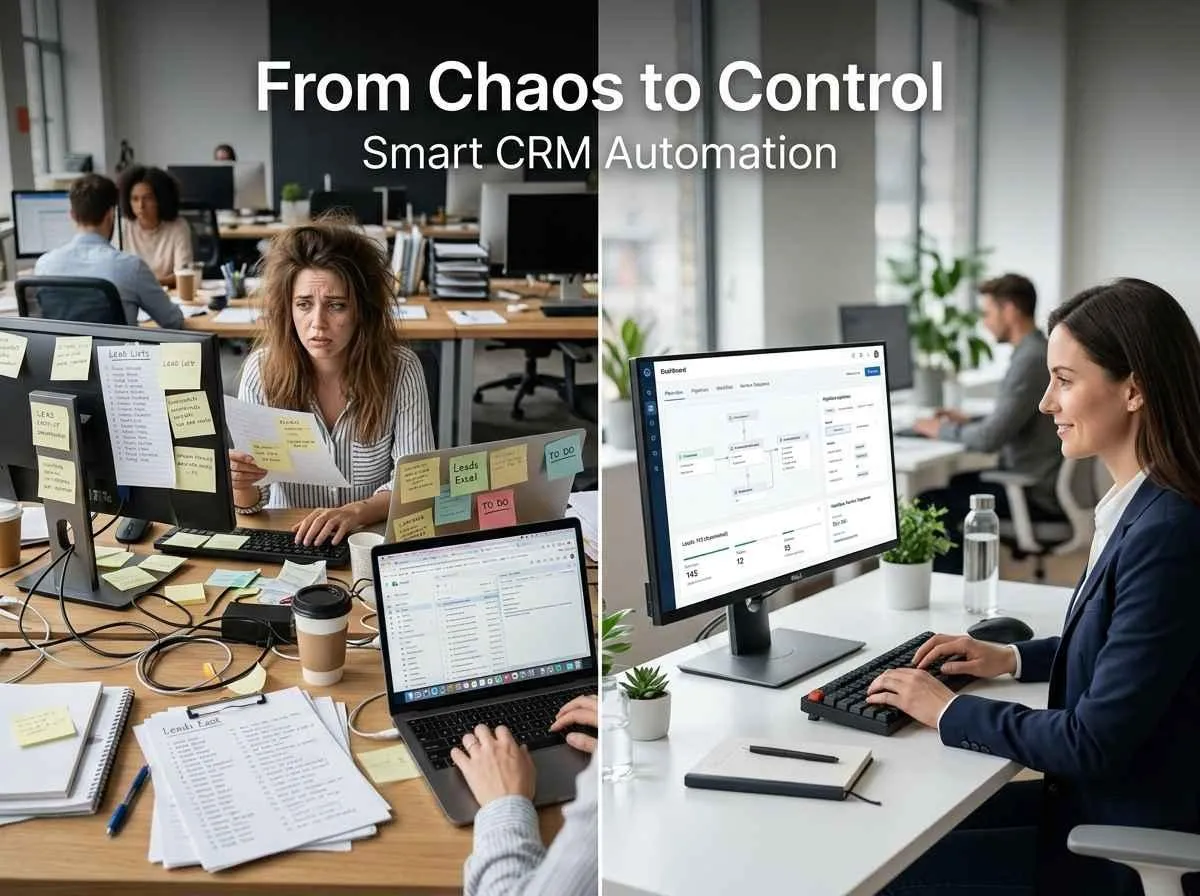
Why Businesses Struggle Without CRM Automation
Many businesses generate leads but fail to convert them efficiently. The problem is rarely demand it’s the process behind handling that demand.
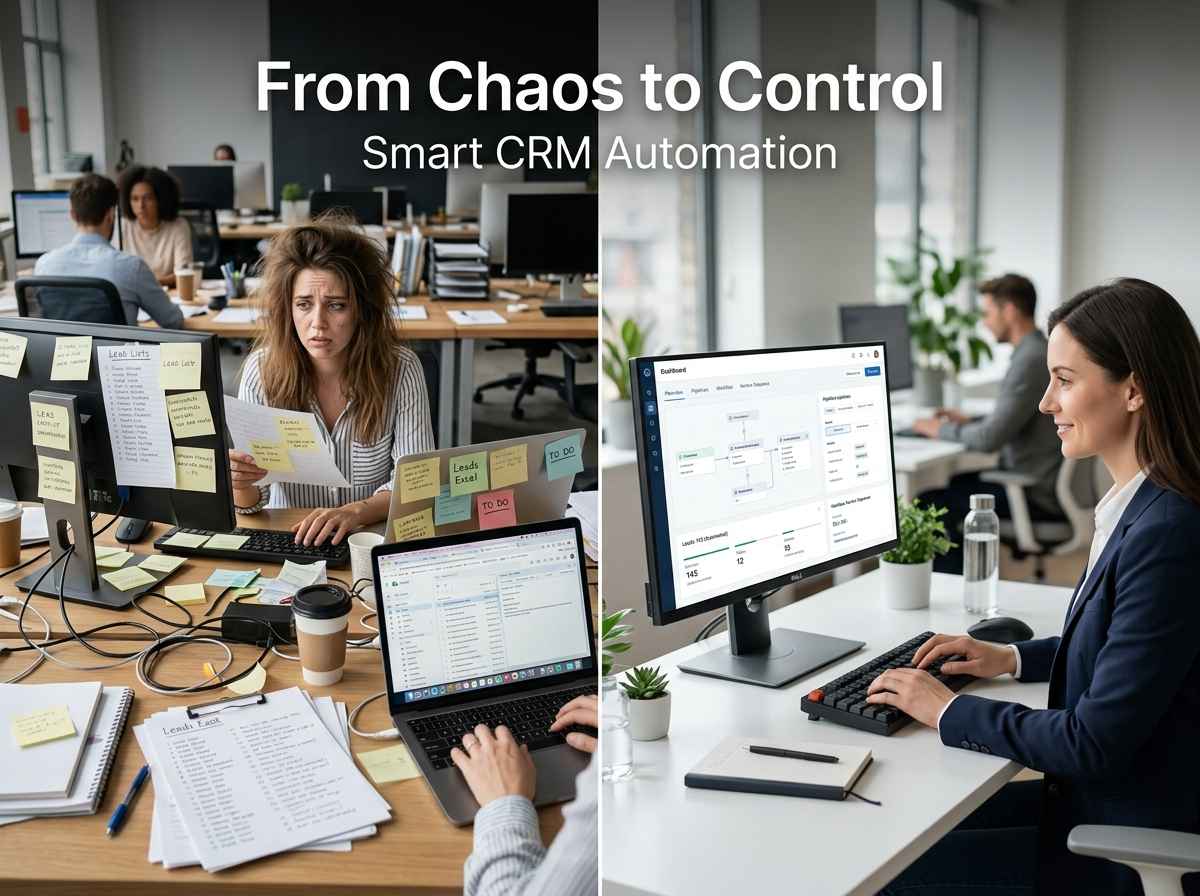
Without CRM automation, teams often deal with delayed responses, missed follow-ups, and disorganized data. These issues may seem small individually, but collectively they lead to significant revenue loss.
In high-value industries, where each lead can represent a substantial deal, even a slight delay can result in losing a client to a faster competitor.
CRM automation solves this by creating a system where speed and consistency are built in, not dependent on manual effort.
Key Benefits of CRM Automation
One of the biggest advantages of CRM automation is speed. Leads are responded to instantly, which significantly improves conversion rates. When a business replies quickly, it creates a strong first impression and keeps the prospect engaged.
Another major benefit is consistency. Follow-ups happen exactly when they should, without relying on memory or manual tracking. This ensures that potential customers are nurtured properly throughout the decision-making process.
Efficiency also improves. Instead of spending time on repetitive tasks, teams can focus on closing deals and building relationships. As a result, businesses can scale their operations without increasing workload at the same pace.
Real-World Example of CRM Automation in Action
Consider a SaaS company offering a free trial. When a user signs up, the CRM system automatically sends onboarding emails, tracks user activity, and triggers reminders if the user becomes inactive.
At the same time, the sales team receives notifications about high-intent users, allowing them to focus on the most promising leads.
Similarly, a marketing agency can automate responses to incoming inquiries, qualify leads through pre-set questions, and schedule calls without manual coordination.
In both cases, CRM automation ensures that every step of the customer journey is handled efficiently.
Is CRM Automation Only for Large Companies?
A common misconception is that CRM automation is only useful for large enterprises. In reality, small and medium-sized businesses often benefit the most.
With limited resources, smaller teams cannot afford to miss leads or spend hours on repetitive tasks. CRM automation allows them to operate with the efficiency of a much larger organization.
Whether you are running a startup, agency, or service-based business, automation helps you maintain professionalism and consistency in your communication.

How to Start Using CRM Automation
Getting started with CRM automation does not require a complex setup. The first step is choosing a reliable platform such as HubSpot or Zoho CRM.
From there, you identify repetitive processes in your workflow—such as responding to inquiries or sending follow-ups—and begin automating them step by step.
It is important to start simple and expand gradually. Over-automation without strategy can make communication feel impersonal, so the goal should always be to enhance, not replace, human interaction.
Common Mistakes to Avoid
Many businesses make the mistake of treating automation as a one-time setup. In reality, it requires continuous optimization based on performance and customer behavior.
Another common issue is over-automation, where every interaction feels generic. Effective CRM automation balances efficiency with personalization.
The key is to design workflows that feel natural and relevant to the user, rather than purely mechanical.
FAQs About CRM Automation
What is CRM automation in simple terms?
CRM automation is a system that automatically manages leads, sends follow-ups, and organizes customer data so businesses can respond faster and more efficiently.
How does CRM automation help increase sales?
It improves response time, ensures consistent follow-ups, and keeps leads engaged, which increases the chances of conversion.
Can small businesses use CRM automation effectively?
Yes, small businesses often benefit the most because automation helps them save time and handle more leads without increasing staff.
Which CRM tools are best for automation?
Popular options include Salesforce, HubSpot, and Zoho CRM, depending on business needs and scale.
Is CRM automation difficult to set up?
No, most modern CRM platforms are user-friendly and allow businesses to start with simple automation and scale gradually.
Conclusion
CRM automation is not just a technical upgrade it is a shift in how businesses manage opportunities. It removes the gaps that cause lost leads and replaces them with a structured, reliable system.