Best CRM Software 2026: The Honest Buyer's Guide
If you've opened five browser tabs comparing the best CRM software and still can't tell what you'd actually pay, you're not missing something — most CRM pricing pages are built to hide the real number until you're on a sales call. That ends here. This guide breaks down what the leading platforms actually cost in 2026, who each one genuinely fits, and where the sales-native GoHighLevel automation approach outperforms a traditional CRM entirely. No platform is "best" in a vacuum. The right answer depends on team size, sales motion, and how much you're willing to spend building the automation layer most CRMs don't include out of the box.
What Is CRM Software, and Why Does the "Best" Answer Change by Business Type?
CRM software is a system that tracks every contact, deal, and interaction your business has with customers, so nothing falls through the cracks and nothing lives only in someone's inbox. The confusion around "best" comes from treating CRM as one category when it's really three distinct types of tool wearing the same label.
Sales-native platforms — Pipedrive, Close, Nutshell — are built around visual pipelines and deal tracking for teams that live in outbound sales. Unified suites — HubSpot, Salesforce, Zoho — bundle sales with marketing and service in one system, which is more setup but less tool-switching long-term. Then there's a third category most comparison articles skip entirely: all-in-one automation platforms like GoHighLevel, which pair CRM with funnel building, SMS/email automation, and appointment scheduling in a single subscription, aimed at agencies and service businesses that need marketing execution, not just contact storage.
What Does the Best CRM Software Actually Cost in 2026?
CRM pricing in 2026 ranges from free entry tiers up to several hundred dollars per user per month at the enterprise end, and the sticker price is rarely the real cost. HubSpot's free CRM is genuinely usable, not a stripped demo, but the jump to Marketing Hub Professional now runs roughly $890 per month in base pricing plus a mandatory onboarding fee near $3,000 — a cliff that drives a large share of the "HubSpot alternatives" searches every year.
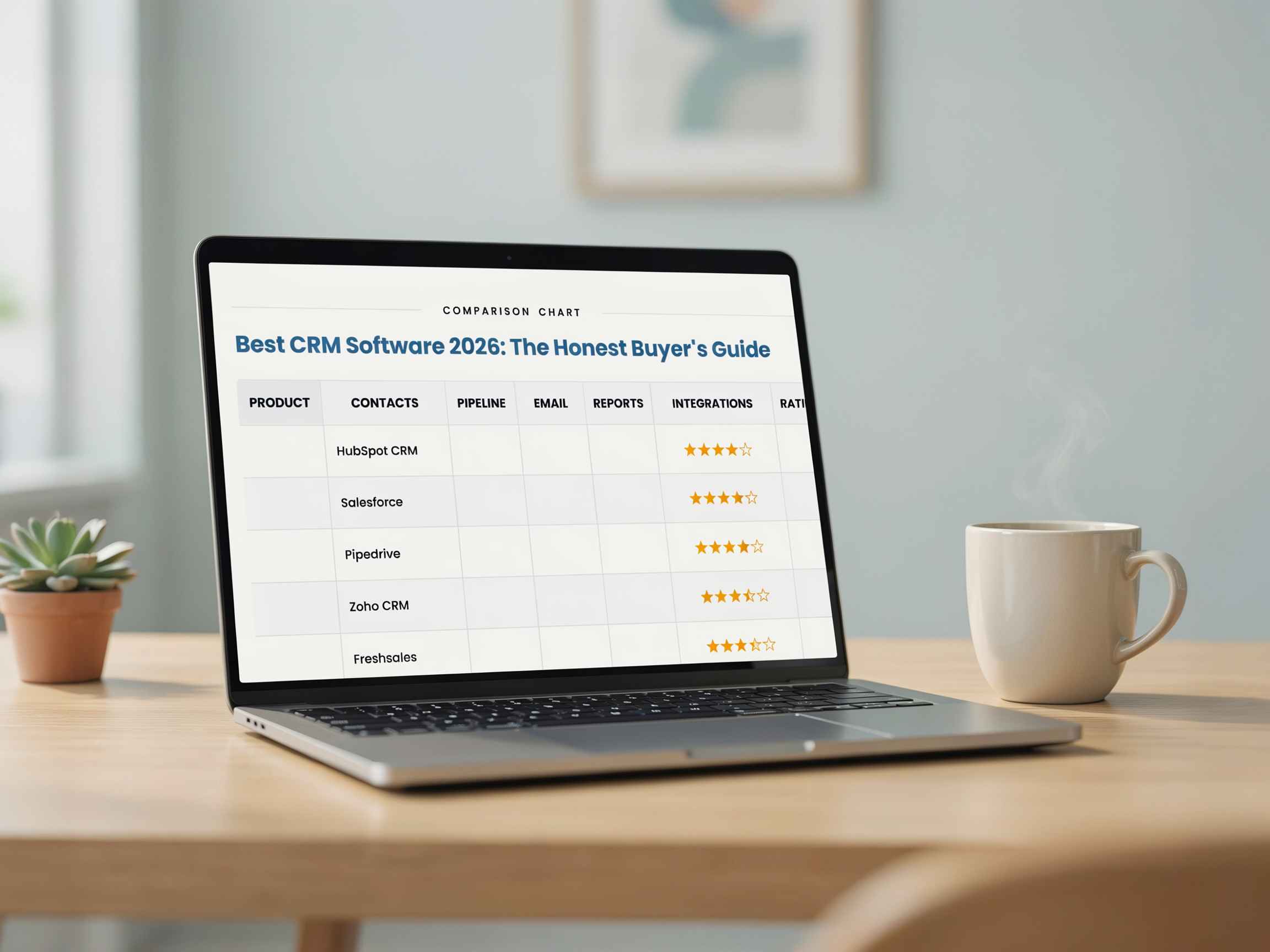
Here's where the major platforms actually land per user, per month, based on current 2026 published pricing. HubSpot starts free and jumps to roughly $890/month base once you hit the Professional tier — a steep cliff, but it fits small teams that want marketing and sales bundled in one tool. Zoho CRM runs $14/user at entry up to $52/user at its top tier, and remains the go-to for budget-conscious teams that still want real feature depth.
Pipedrive sits in a similar entry range at $14/user, scaling to $79/user on its Ultimate plan, and suits outbound sales teams that live and breathe pipeline view. Freshsales is free for up to three users, then moves to $59/user on its Growth+ tier — a solid pick for teams that want a built-in dialer without bolting on a third-party add-on. Salesforce starts around $25/user but climbs past $300/user at the Enterprise level, which only makes sense for large teams with a dedicated CRM admin to manage the complexity.
GoHighLevel breaks from all of these with flat-rate pricing instead of per-seat costs: $97/month flat for Starter, $297/month flat for Unlimited. That structure is built for agencies and service businesses that need CRM and marketing automation running together in one system, rather than paying per user as the team grows.
Pricing shifts throughout the year on every platform listed here — confirm current numbers directly on each vendor's official pricing page before budgeting.
The detail most comparison articles bury: Salesforce's per-seat number looks competitive until you factor in Premier Success support, priced at 30% of your license fees, which most teams end up needing once they hit a real support issue. HubSpot's number looks worse than it is if you never plan to leave the free tier — but almost every growing team eventually does.
Per-Seat Pricing vs. Flat-Rate Pricing: The Trade-off Nobody Explains Well
Per-seat CRMs punish growth. Add five reps to a $52/user Zoho plan and you've added $260/month automatically, whether or not those reps generate proportional revenue. Flat-rate platforms like GoHighLevel invert that model — one flat monthly fee covers unlimited contacts and users, which matters enormously for agencies managing multiple client accounts or businesses expecting headcount growth in the next 12 months.
The trade-off runs the other way for very small, stable teams. A two-person sales team on Pipedrive's $14 entry tier pays less in absolute dollars than a $97/month GoHighLevel Starter plan. Flat-rate pricing wins as team size and client volume scale up; per-seat pricing wins when the team is small and staying small.
When the Popular Recommendation Fails
Most "best CRM" lists default to recommending HubSpot for small businesses. That advice fails completely for a specific segment: home services and local businesses (HVAC, contractors, med spas, real estate teams) that need SMS follow-up, missed-call text-back, and review automation working on day one — not bolted on through third-party integrations. For that segment, a general-purpose CRM without native SMS and funnel tools usually means paying for a second platform anyway, which erases whatever savings the "free" tier promised.
GoHighLevel: Where It Fits Differently Than a Traditional CRM
GoHighLevel is an all-in-one platform combining CRM, funnel building, SMS/email marketing, and appointment scheduling under one flat-rate subscription rather than charging per seat or per tool. The Starter plan runs $97/month, Unlimited (which removes the sub-account cap and adds white-label branding) runs $297/month, and SaaS Pro — which lets an agency resell the platform under its own brand — runs $497/month, with SMS, voice, and AI usage billed separately on top of any tier.
For a marketing agency managing multiple client accounts, that flat structure often replaces $500 to $1,200 a month in separately purchased tools with one subscription. The catch most reviews skip: setup takes real time. A clean GoHighLevel build — pipelines, automations, funnels, and A2P SMS compliance — is not a weekend project, and a rushed setup is the single most common reason agencies underuse a platform they're already paying for.
Pros and Cons: Traditional CRM vs. All-in-One Automation Platform
Traditional CRM (HubSpot, Salesforce, Zoho)All-in-One Platform (GoHighLevel)ProsDeep ecosystem of integrations; strong reporting; familiar to most hiresFlat pricing regardless of contact volume; built-in marketing execution, not just trackingConsCosts scale with headcount; marketing automation often needs a second toolSetup complexity is real; less brand recognition on a resume than SalesforceBest forTeams needing deep sales reporting and a large hiring pool of trained usersAgencies, home services, and service businesses that need CRM and marketing automation in one system
How to Choose: A Five-Question Framework
How many people will actually log into this daily? Under 5 seats favors per-seat pricing; 10+ favors flat-rate.
Do you need SMS and funnel automation, or just contact tracking? If automation is core to the sales motion, a bundled platform saves real money.
Will you have a dedicated admin managing the system? Salesforce and GoHighLevel both reward dedicated ownership; without it, both underperform.
Are you managing multiple client accounts or locations? Flat-rate, unlimited sub-account platforms win decisively here.
What's your realistic setup timeline? A rushed implementation on any platform costs more in re-work than a slower, correct one.
Bookmark this framework before your next demo call — it holds up regardless of which vendor is pitching you.
The Bottom Line
There's no single best CRM software for every business in 2026 — there's a best fit for your team size, sales motion, and whether marketing automation needs to live inside the CRM or not. Small, stable sales teams do well on Pipedrive or Zoho. Businesses already invested in HubSpot's ecosystem should stay until the Professional pricing cliff genuinely justifies switching. Agencies, home service businesses, and teams managing multiple client accounts get more real value from a flat-rate platform like GoHighLevel, provided the initial setup is done properly rather than rushed. Whatever you choose, verify current pricing directly on the vendor's site before committing, since CRM pricing shifts multiple times a year. If GoHighLevel is the direction that fits your business model, a properly built system is the difference between replacing five tools and just adding a sixth.
FAQ SECTION
1. What is the best CRM software for small businesses in 2026? There's no single winner — it depends on your sales motion. HubSpot fits teams wanting marketing and sales combined with a usable free tier. Zoho CRM fits budget-conscious teams needing feature depth. GoHighLevel fits service businesses and agencies needing built-in SMS and funnel automation, not just contact tracking.
2. How much does CRM software cost per month? Pricing in 2026 ranges from free entry tiers (HubSpot, Freshsales, Zoho) up to $300+ per user per month for Salesforce Enterprise. Flat-rate platforms like GoHighLevel run $97 to $497 per month regardless of user count, which changes the math significantly for larger or multi-account teams.
3. Is GoHighLevel better than HubSpot? Neither is universally better — they solve different problems. HubSpot centers on CRM plus marketing content tools; GoHighLevel centers on CRM plus SMS, funnel building, and appointment automation in one flat-rate system, which tends to fit agencies and home service businesses more directly.
4. What's the cheapest CRM with real functionality? Zoho CRM and Freshsales both offer credible low-cost paid tiers starting around $9 to $14 per user per month in 2026, with genuine free plans for very small teams. Cheapest isn't always most cost-effective once add-ons and integrations are factored in.
5. Do I need a CRM if I already use spreadsheets? Spreadsheets don't automate follow-up, log calls, or alert you when a deal goes cold — a CRM does. Once a business has more than a handful of active leads at once, manual tracking reliably starts dropping deals, which is usually the actual trigger point for switching.
6. What is GoHighLevel used for? GoHighLevel is used as an all-in-one CRM and marketing automation platform combining pipeline tracking, SMS and email campaigns, funnel building, and appointment scheduling under a single subscription, most commonly by agencies and service-based businesses managing multiple client accounts.
7. How long does it take to set up a new CRM? A basic setup can take days; a properly built system with automations, pipelines, and integrations typically takes two to four weeks done correctly. Rushed setups are the most common reason businesses underuse the CRM they're already paying for.
8. What's the difference between a sales CRM and a marketing CRM? A sales CRM focuses on pipeline tracking, deal stages, and rep activity — Pipedrive is a clear example. A marketing CRM or unified suite adds email campaigns, lead scoring, and content tools on top of that, which is where HubSpot and GoHighLevel both operate, though with different automation depth.
9. Can a small business outgrow its CRM? Yes, and it happens most often with per-seat platforms once headcount or client accounts grow faster than the pricing tier anticipated. This is the scenario where flat-rate platforms like GoHighLevel typically become more cost-effective than the per-seat model a business started on.
10. Should I hire someone to set up my CRM, or do it myself? Simple CRMs with minimal automation are reasonable to self-implement. Platforms with deeper automation, like GoHighLevel or Salesforce, benefit from an experienced setup, since a poorly configured system creates rework that costs more than proper implementation would have.